Resimo AR
Your building, on their table.
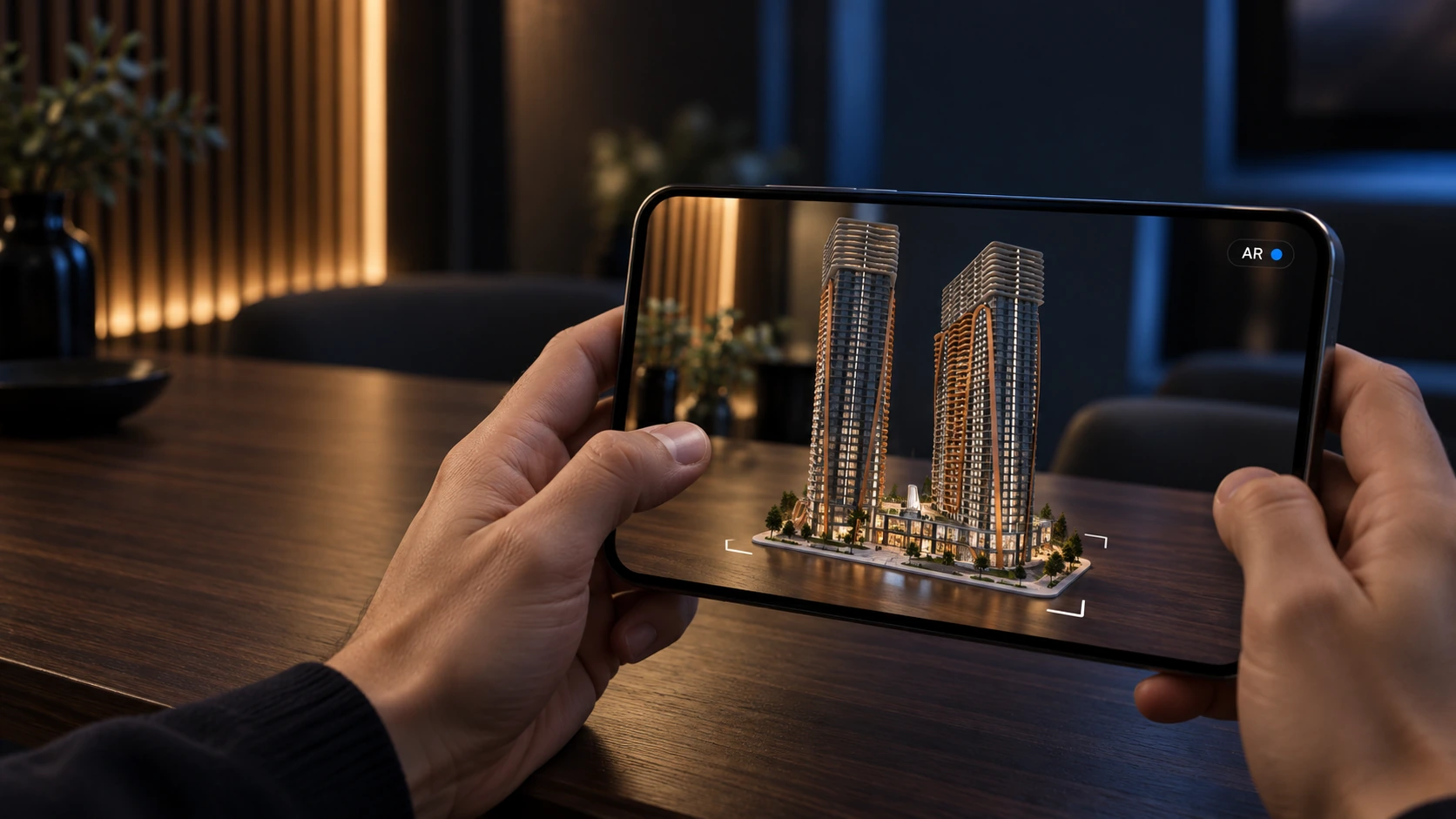
The buyer scans a code, and the massing of your development stands on the table, seen through their own phone.
Over 200+ real estate companies have worked with us




































































Audience
Who it is for
Developers who want the building in the room during a meeting at the client's office, at a fair or at a broker's desk, without carrying hardware. Sales gets a model that fits in a pocket. Marketing gets a code that goes on the brochure and the hoarding.
The problem
What it solves
The meeting is at the client, and the sales office screen stays behind.
Your rep puts the building on the client's table from a code, with no screen to carry.
A brochure is flat, and the building is not.
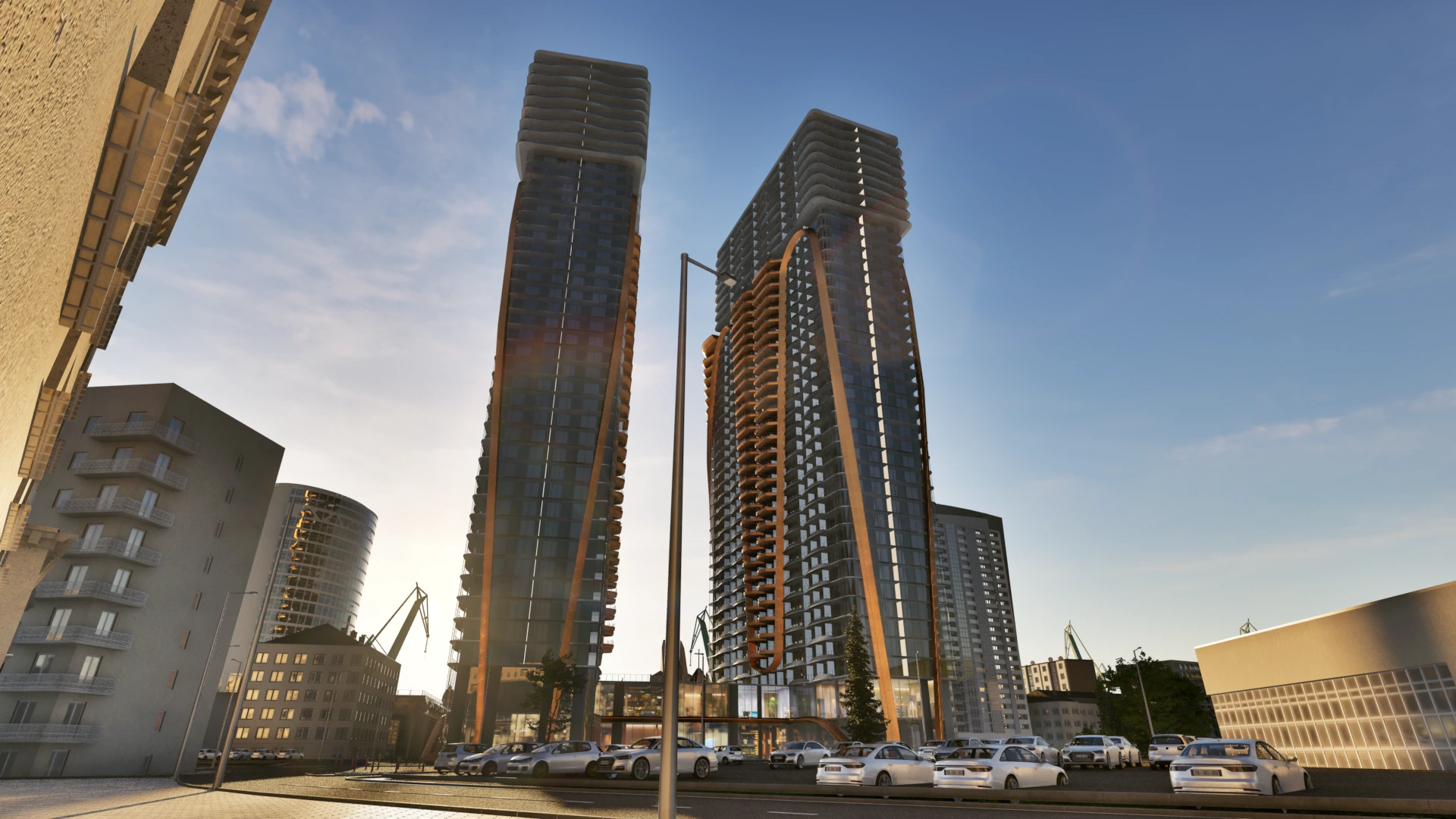
A code on the brochure or the hoarding opens the building at scale, walked around from every side.
Small enough to hold. Big enough to sell.
Overview
What it is
A simplified massing of the building with its immediate site plan, placed on a table at roughly 1:100 to 1:200, in the mobile browser on Android and iOS. One button on a phone, and on a desktop the same button shows a code to scan. There is no application to install. The model is built light so that it loads on a phone, which is why it shows the massing and the site plan and not the neighbourhood, the landscaping or the interiors.
Features
What is in it
iPhone and iPad
The model opens in Apple AR Quick Look.
Android
The model opens in Google Scene Viewer.
Desktop
The button shows a code to scan with a phone.
Tabletop scale
Roughly 1:100 to 1:200, so the whole development fits on a desk.
Compare
AR, Web and Touch
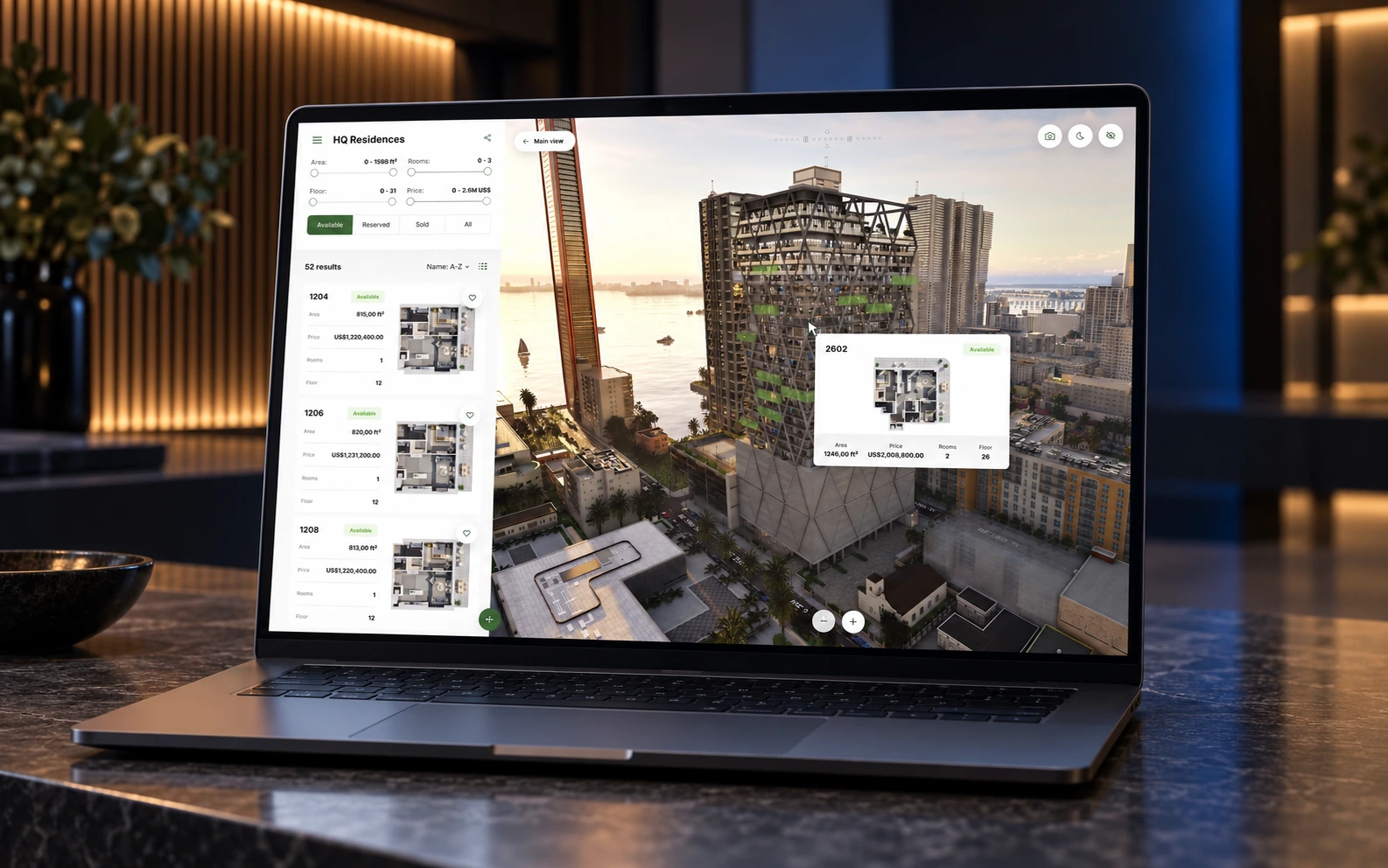
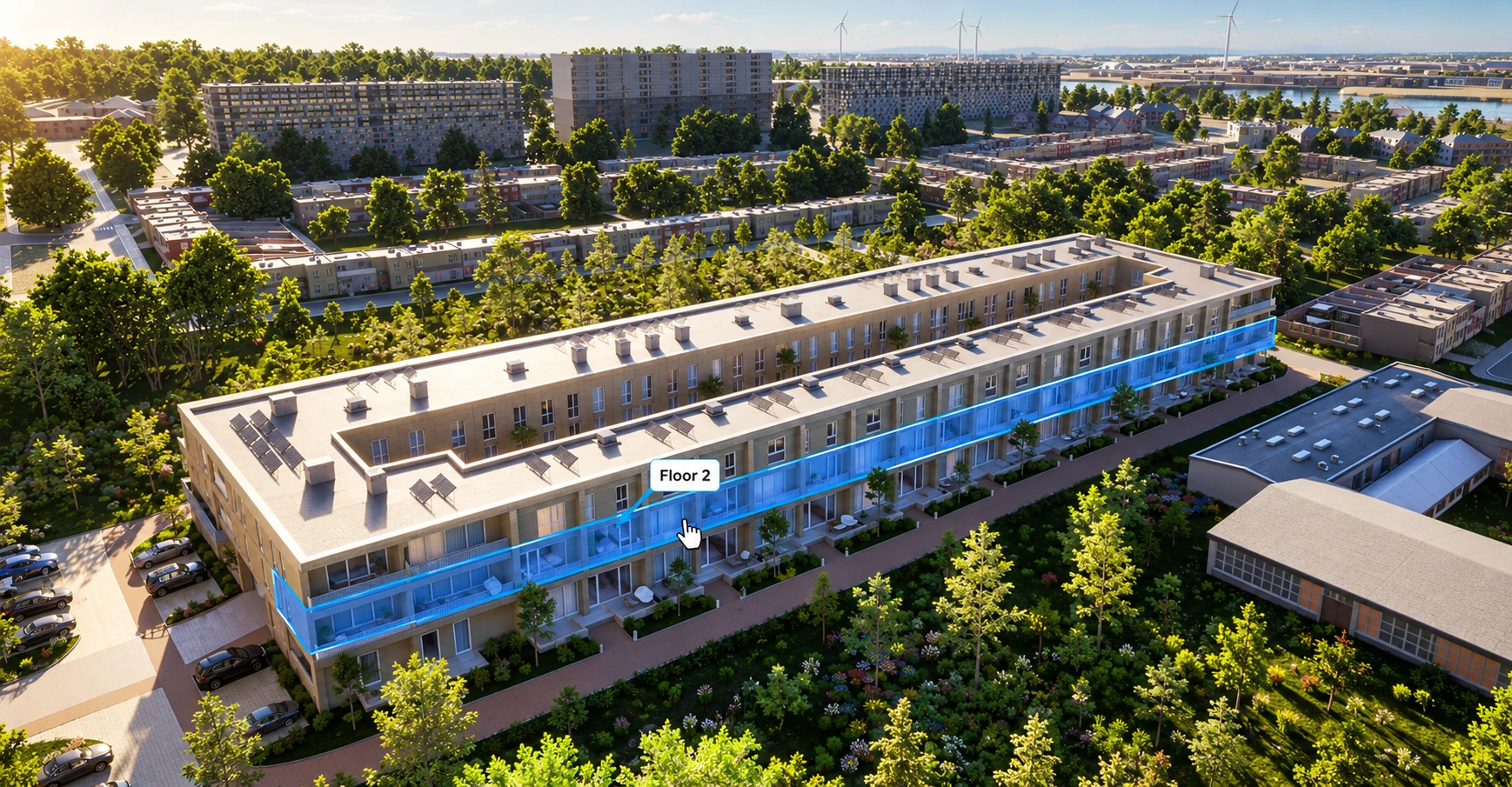
Resimo AR is the building in the room. Resimo Web is every apartment in the browser. Resimo Touch is the whole development on the sales office screen. AR takes its massing from the same model as both.
FAQ
Questions about Resimo AR
Can the buyer walk into an apartment in AR?
No. Resimo AR shows the massing of the building and its site plan on a table. Apartments open in Resimo Web and Resimo Touch.
Does it need an app?
No. It runs in the phone's browser, through Apple AR Quick Look on iOS and Google Scene Viewer on Android.
How heavy is it?
Built as light as the massing allows. On a weak mobile connection it still takes a moment to load.
Still have questions?
Ask us anything else

See it live
Put your building on the table
A 20-minute call. You show us a project, we show you what its massing looks like on a table.