Resimo VR
Let buyers step inside before it is built.
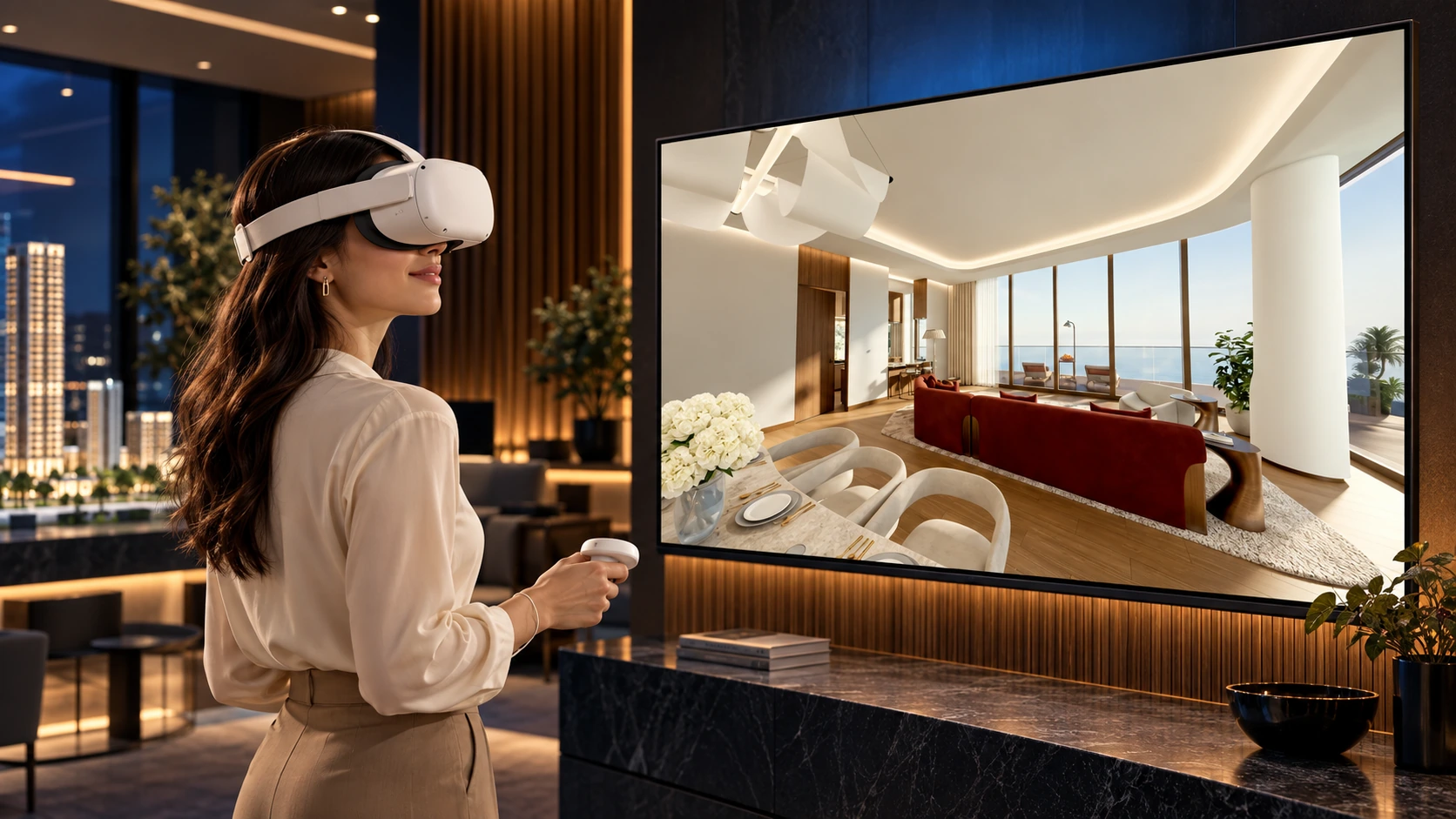
The extra that gets people talking: walkthroughs of your apartments in any headset, at the fair and in the sales office.
Over 200+ real estate companies have worked with us



































































Audience
Who it is for
Developers who want something extra at a fair stand, at a launch and in the sales office, and developers who already own an immersive room or interactive screens and need content for them. Marketing gets the moment that stops people at the stand. Sales gets the same units, availability and views they show in the office, inside the headset.
The problem
What it solves
Buyers walk past our stand.
A headset walkthrough of the apartment and its balcony view is the reason they stop, and the reason they stay long enough for your rep to start a conversation.
We own an immersive room and have nothing new to show in it.
The content comes from the same model as your application, so the room shows the development you are selling now.
The event content has nothing to do with the sales office.
The apartment in the headset is the apartment on the office screen, with the same finishes and the same views.
A visit to the sales office feels like every other one.
The headset is the part of the visit a buyer tells their family about, and the reason they remember your office.
Goosebumps sell apartments.
Places
Three places every buyer wants to visit
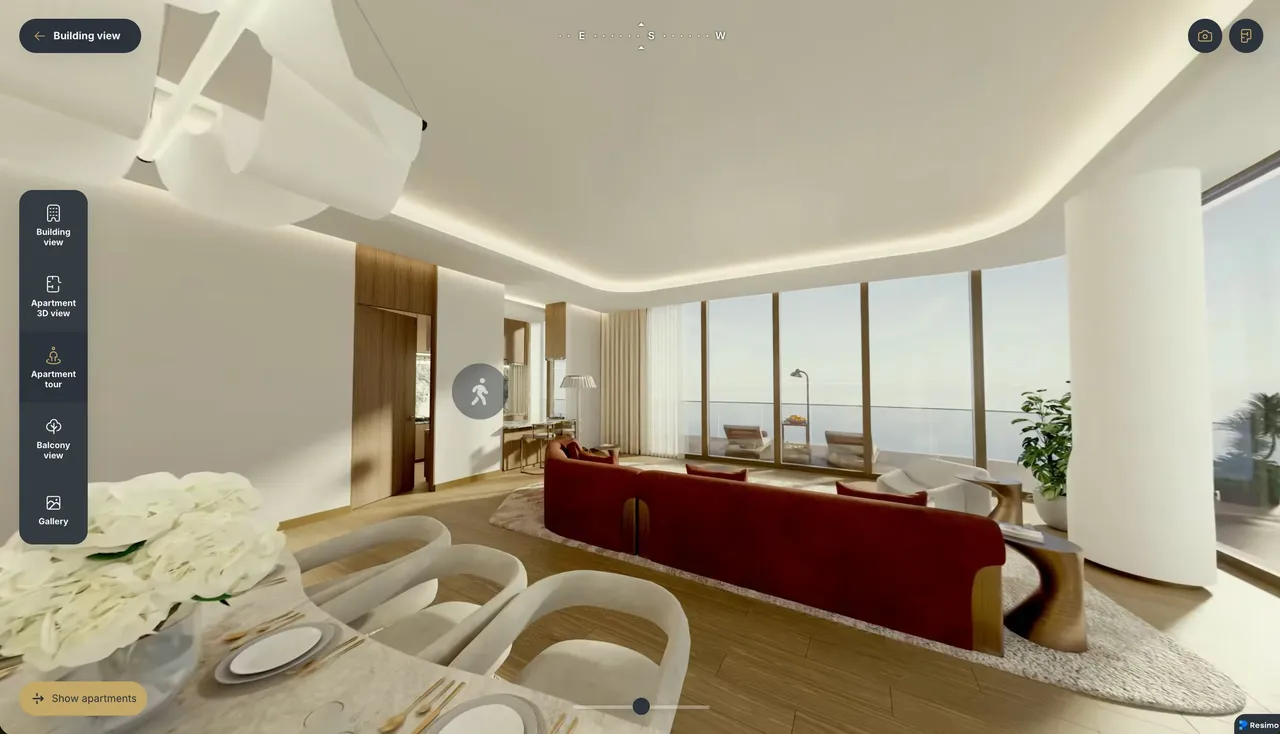
Apartment walkthrough
Stand inside the apartment
Floor plans ask buyers to imagine. VR puts them in the middle of a 360 scene of the apartment, at eye level, with the finishes and the light. The viewing happens before the building stands.
- 360 scenes rendered from your project
- Hotspots lead the buyer from room to room
- Opens with one tap from the apartment card
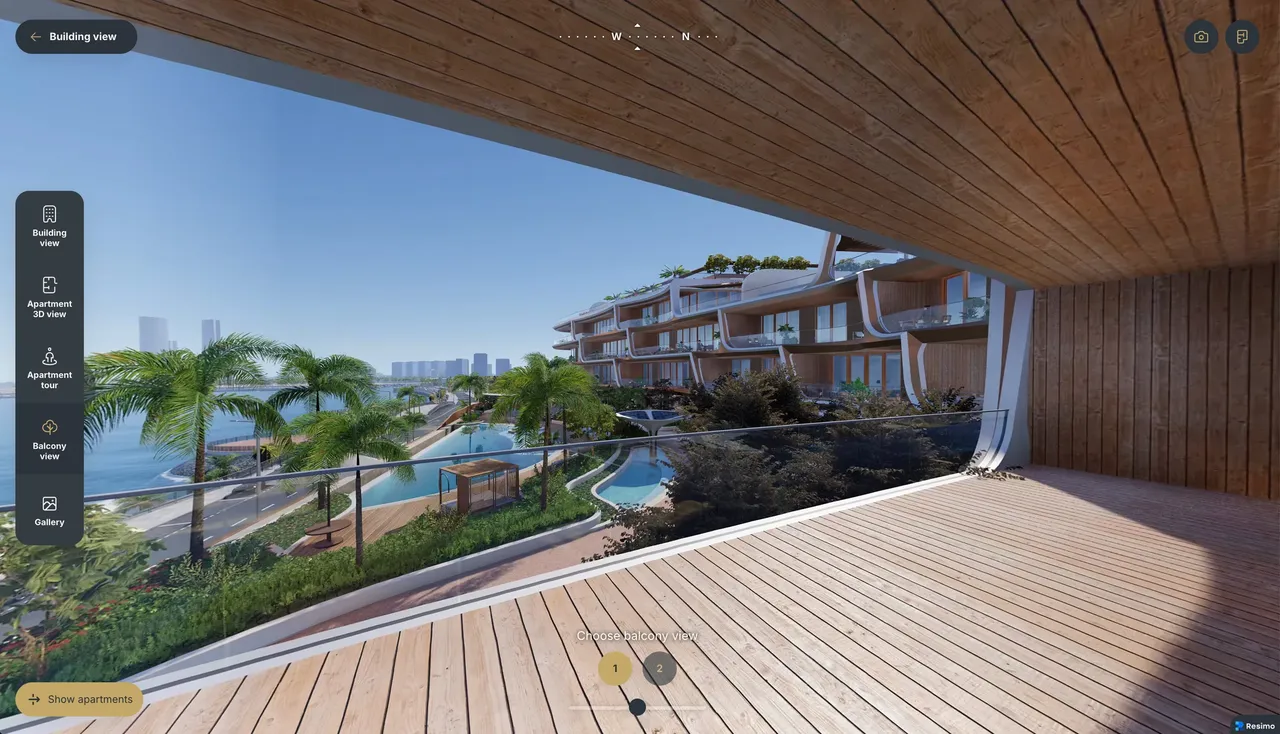
Balcony view
The view from their balcony
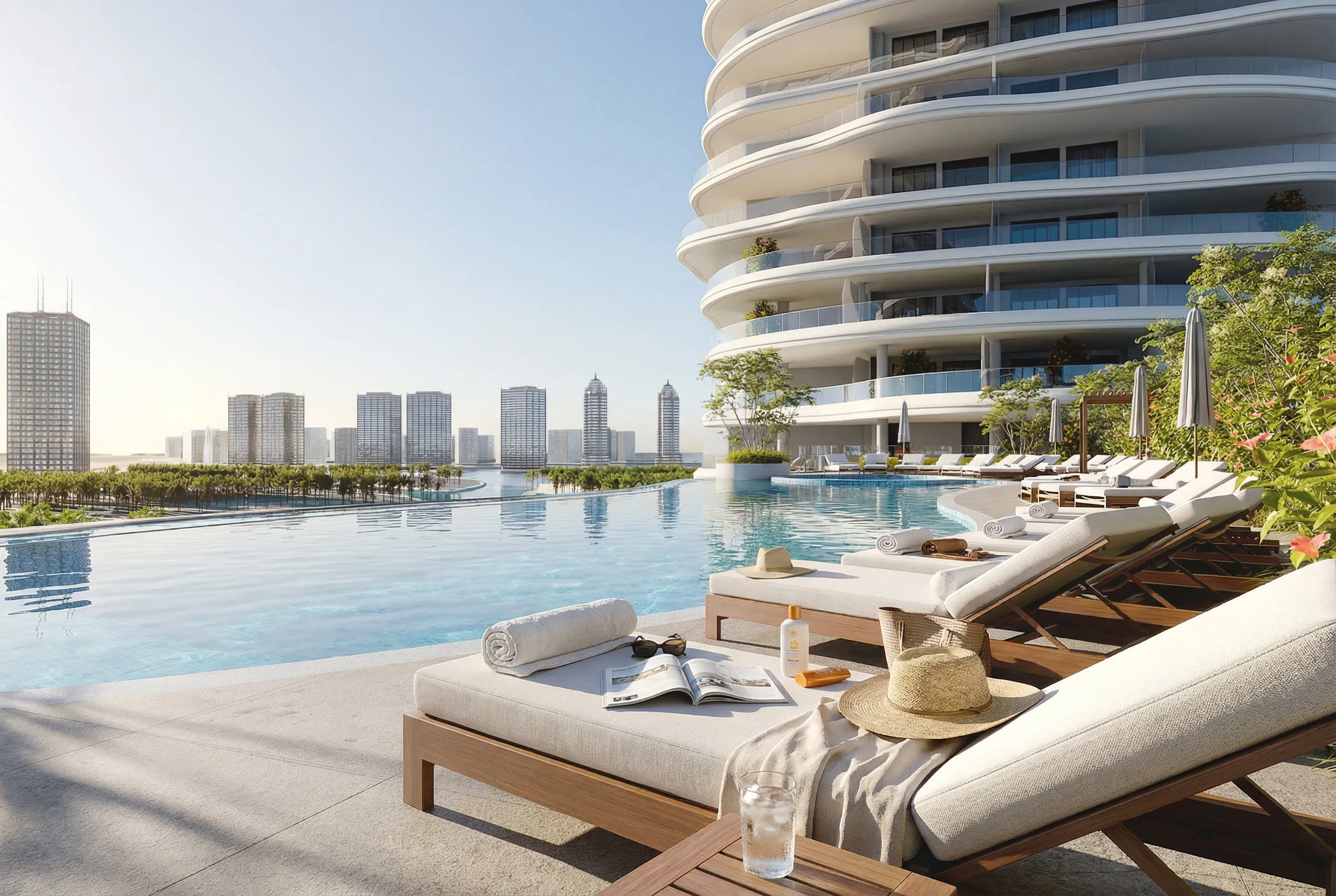
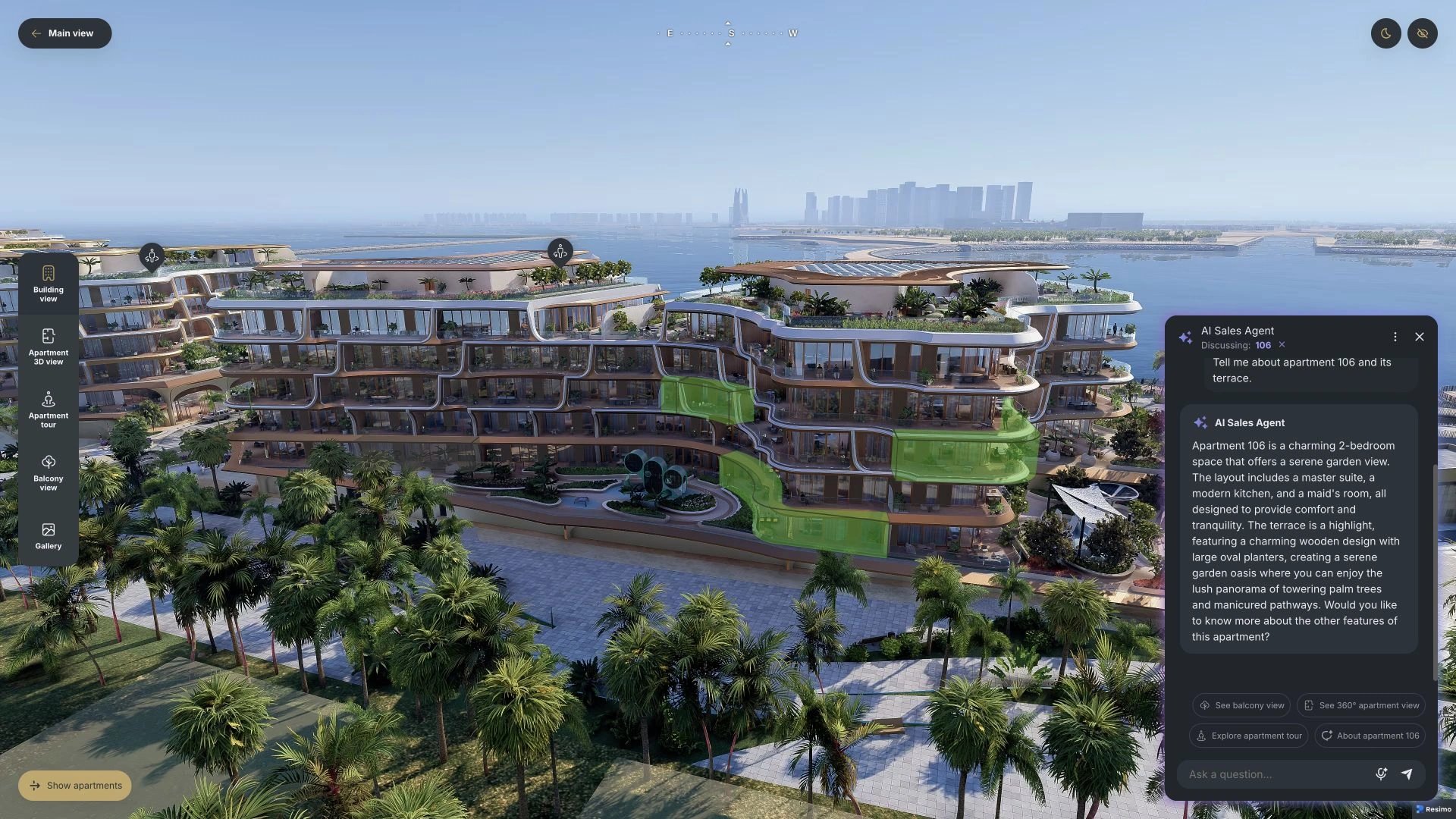
Every buyer asks what they will actually see. The outlook from the chosen apartment answers it: light, skyline and surroundings, checked long before the handover.
- The real outlook from the selected unit
- A strong argument for upper floors sold off plan
- A compass keeps the orientation honest
Development tour
Walk the development
Courtyards, entrances and amenities. Buyers move from viewpoint to viewpoint through 360 scenes of the whole development and feel the scale of the place.
- Ground-level 360 scenes across the estate
- Amenities and common areas included
- For a pitch in the sales office and for self-serve on the website
Features
Works on the headset you have
Standalone headsets
Quest-class headsets, straight from the browser, with no lock to one brand of hardware.
Phones
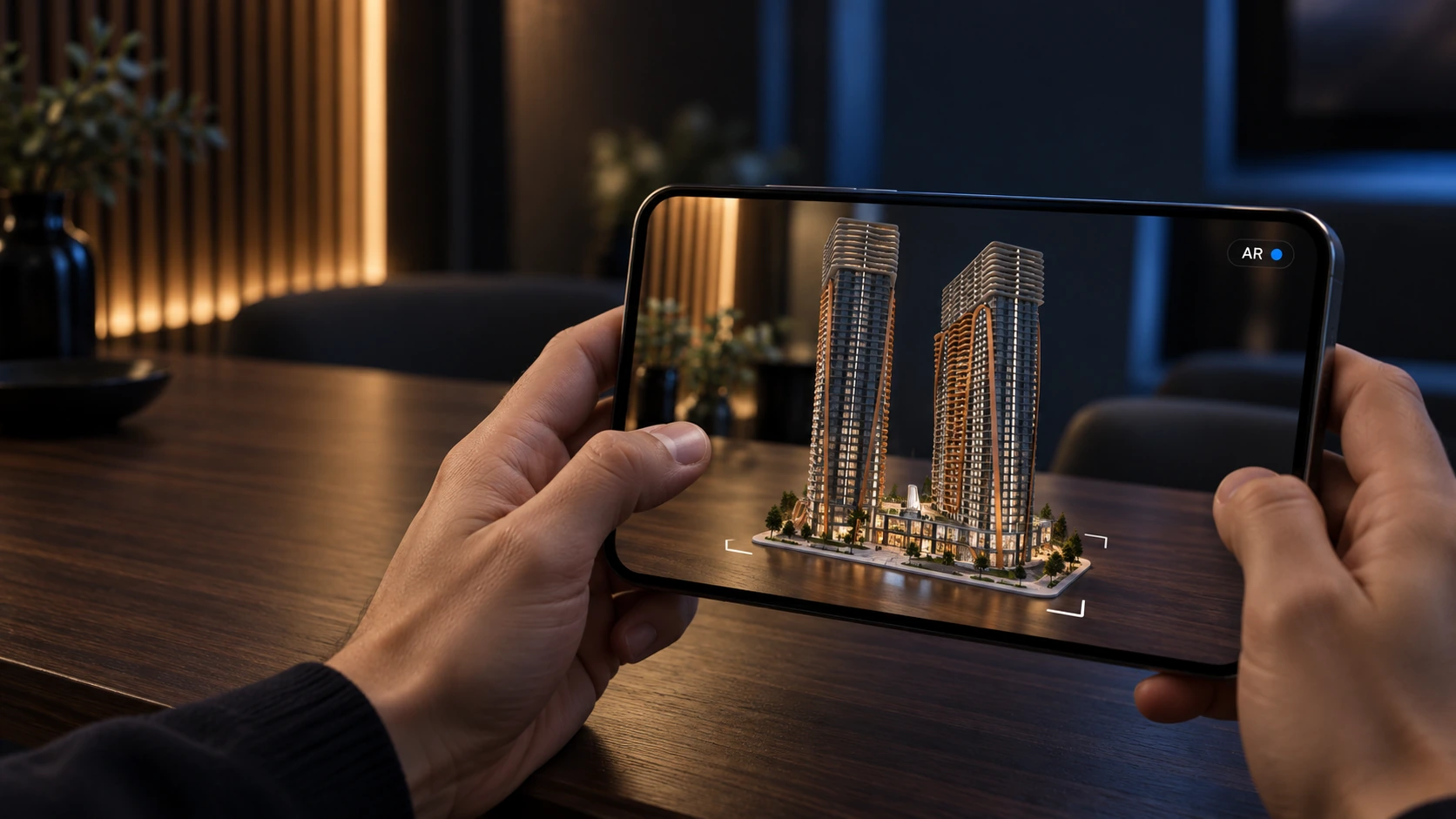
The same 360 scenes with the gyroscope, in the buyer's hand.
Tablets
For the sales office and for meetings.
Laptops and desktops
For every buyer at home.
Opens from your application
One tap from the apartment card in Resimo Web.
No app store, no cables
Nothing to install and no setup on your side.
Content for your own hardware
Immersive rooms and interactive screens you already own, fed from the same model.
Ready for the stand
We prepare the application for the fair, on your hardware or ours.
Where it fits
Where VR fits
VR is for the moments a buyer should remember: the fair, the launch and the showing in the sales office. For the everyday conversation at the desk a touch screen does the job better, because any buyer operates it at once and nobody has to put a headset on. So VR comes on top of the application your office runs every day.
Compare
VR and Resimo Touch
Resimo Touch is the daily application in the sales office. Resimo VR is for the moments around it: the fair, the launch, the immersive room and the showing a buyer remembers. Both run on the same model, so the apartment in the headset is the apartment on the screen.
Made to fit
Fitted to how you sell
Your project in the headset, on the same data as the office.
- Scenes from your project and its interior style
- One link for the sales office and the stand
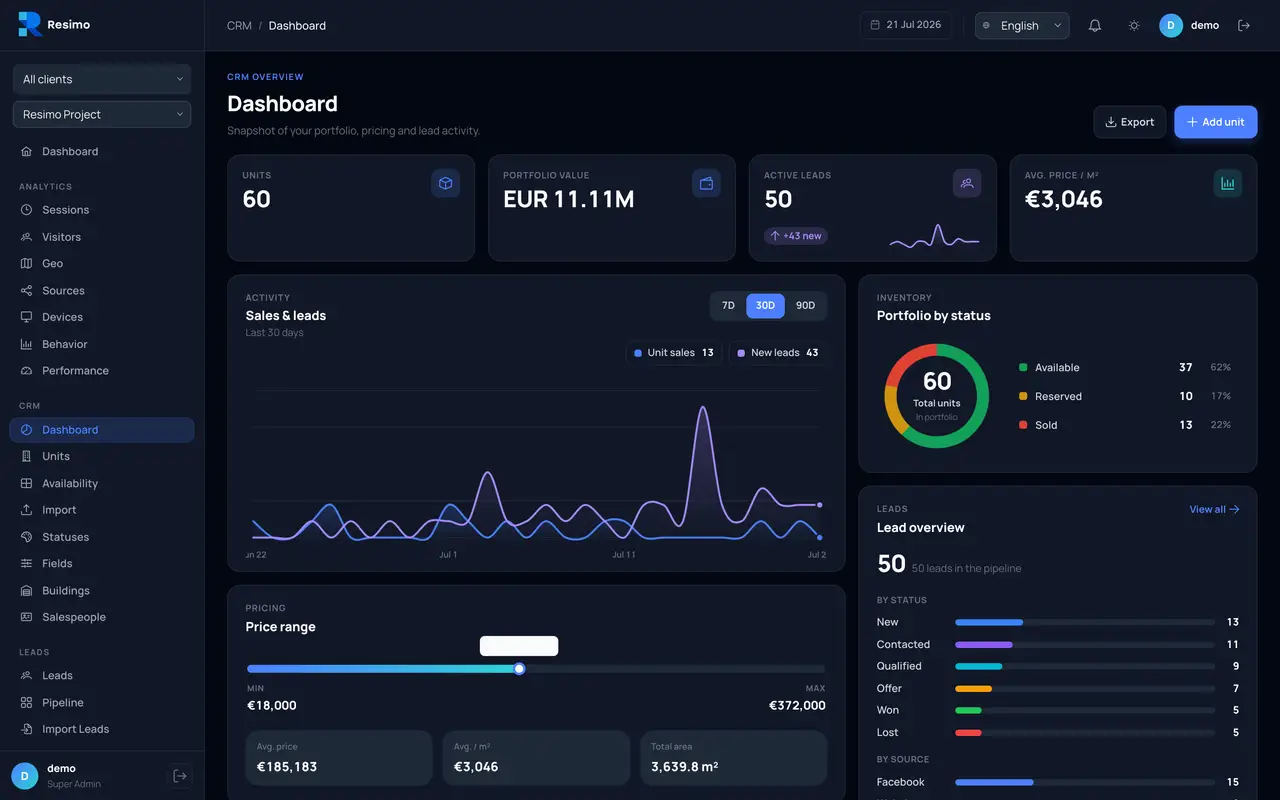
- Every VR session in the CRM and analytics panel
- The stand set up with you, on your headsets or ours
Incredible work getting this project up and running for our Cityscape participation. Everyone was truly impressed.
FAQ
Questions about Resimo VR
Which headsets does it work with?
Standalone headsets of the Quest class, straight from the browser. Phones and tablets show the same 360 scenes with the gyroscope.
Do we need to install anything?
No. The VR mode opens in a browser from your application.
Can we use it every day in the sales office?
Yes, for the showings you want remembered. For the everyday conversation at the desk we recommend the touch screen next to it.
Still have questions?
Ask us anything else
See it live
Bring VR to your stand
Write to us with the date of your event. We prepare a VR demo on your project and show it on your hardware or ours.