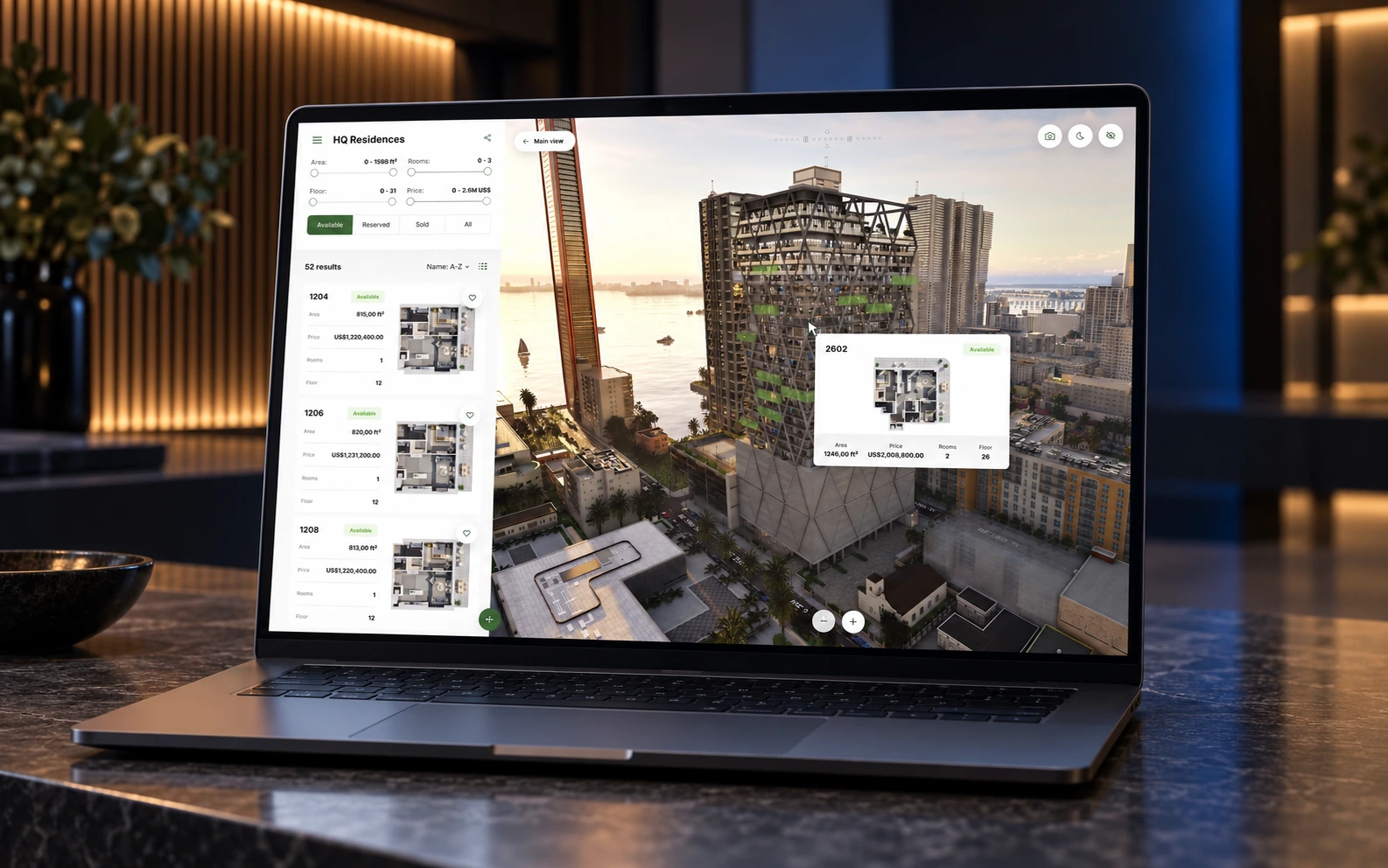
Resimo Web
A sales office that never closes.
Interactive 3D, built for the web, that brings the buyer close to your development and answers the questions that hold a sale back.
Over 200+ real estate companies have worked with us



































































Audience
Who it is for
Every developer whose buyers start online, which today is most of them. Marketing directors get the development on the project website, with every unit and its current status. Sales directors get an application their reps carry on a tablet and a link for their brokers and agents. There is nothing to install and no hardware to buy.
The problem
What it solves
Every open question holds a sale back.
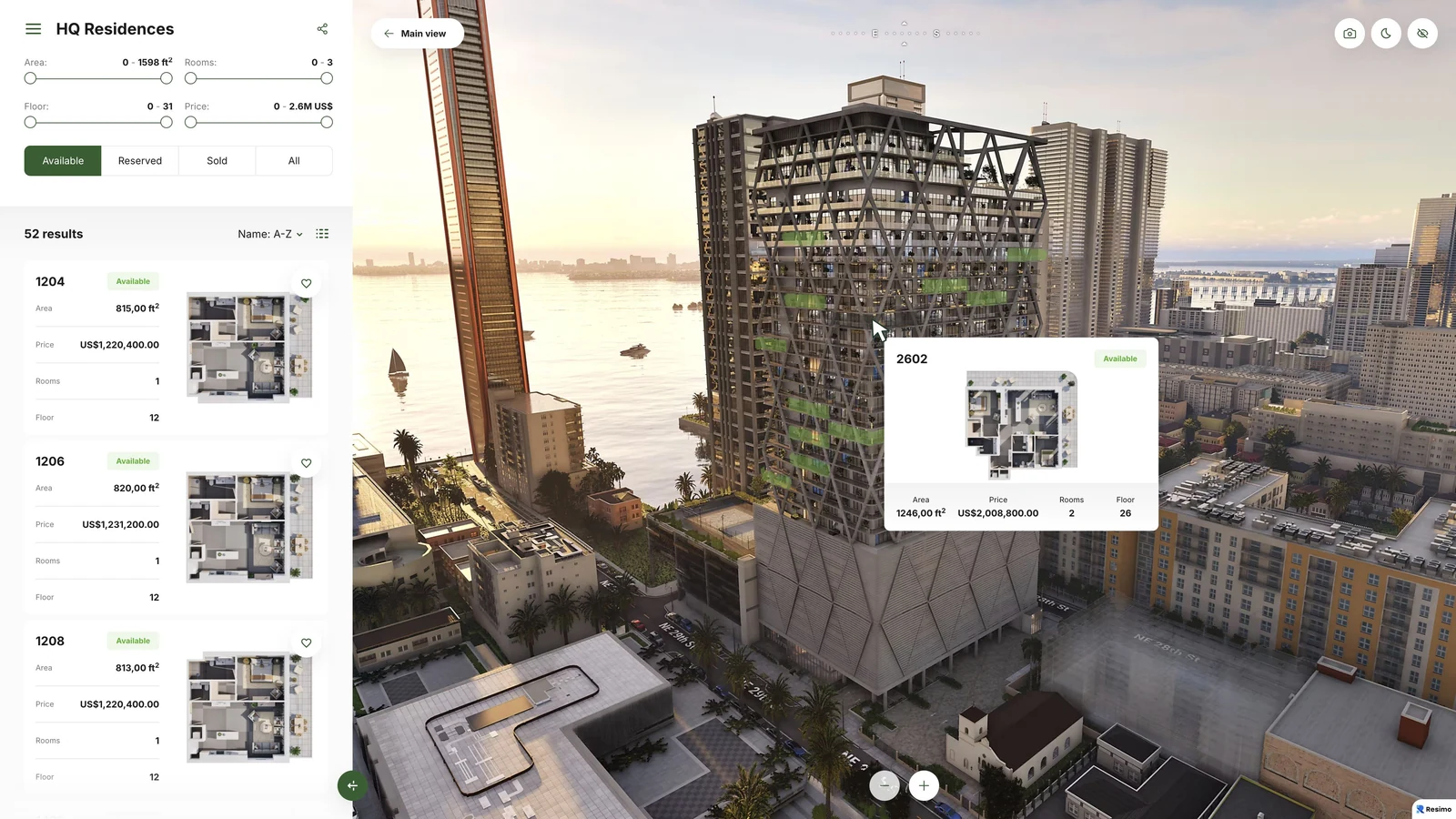
The building turns, the apartment opens, and its layout, its view and its price are one tap away. The buyer gets the answers while still looking, and arrives at your office with an apartment in mind.
Buyers make up their minds online before they ever call.
Every unit is on your website around the clock, for a buyer at home or abroad, with the same availability your office sees.
A lead arrives with no idea what the buyer wanted.
The buyer sends the inquiry from the apartment card, and a rep can send back a link that opens on the same unit, so the first call starts from the apartment.
The website still shows apartments that sold.
Statuses and prices come live from your CRM, or from a spreadsheet if you do not have one.
Doubt does not close deals. Answers do.
Features
What is in the application
See all features
The development and its surroundings
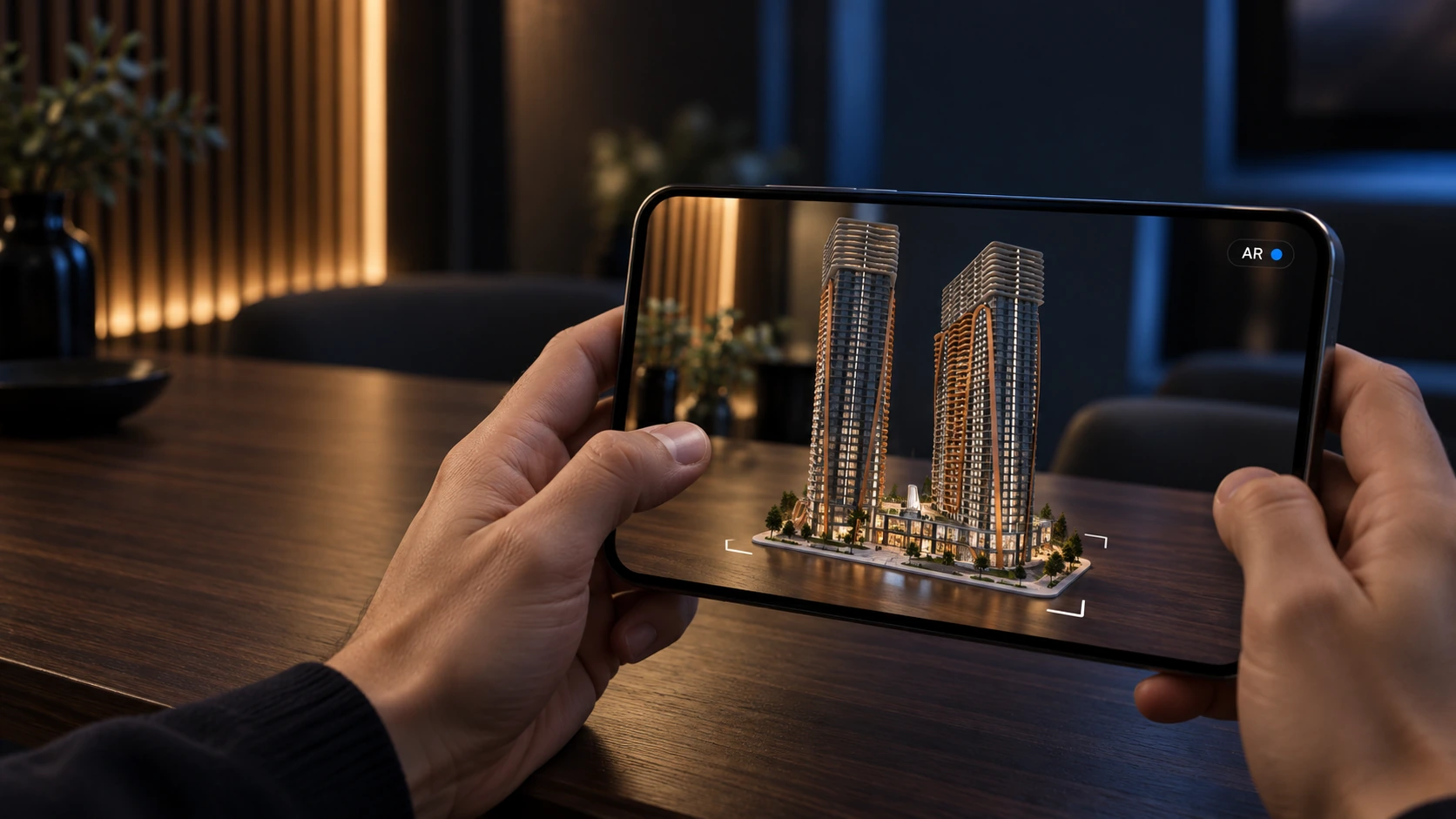
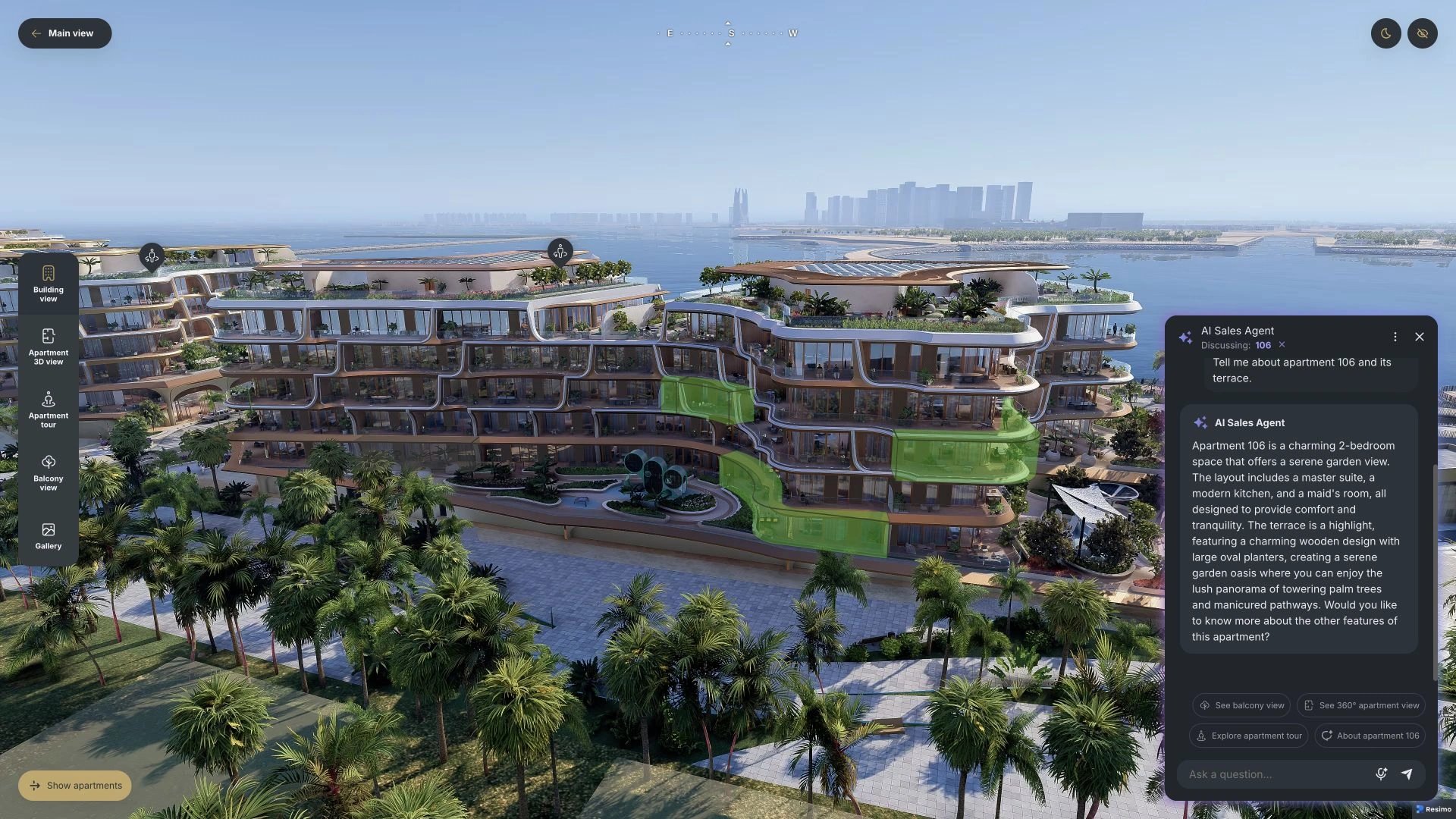
360° view of the project
Buildings, site plan and surroundings, turned in the browser.
Each building on its own
One building or a group rotated separately, for a development with several blocks.
Surroundings from map data
The neighbourhood as it stands today or as it will be built, in outline or in full detail around the plot.
Night mode
The development after dark.
Compass
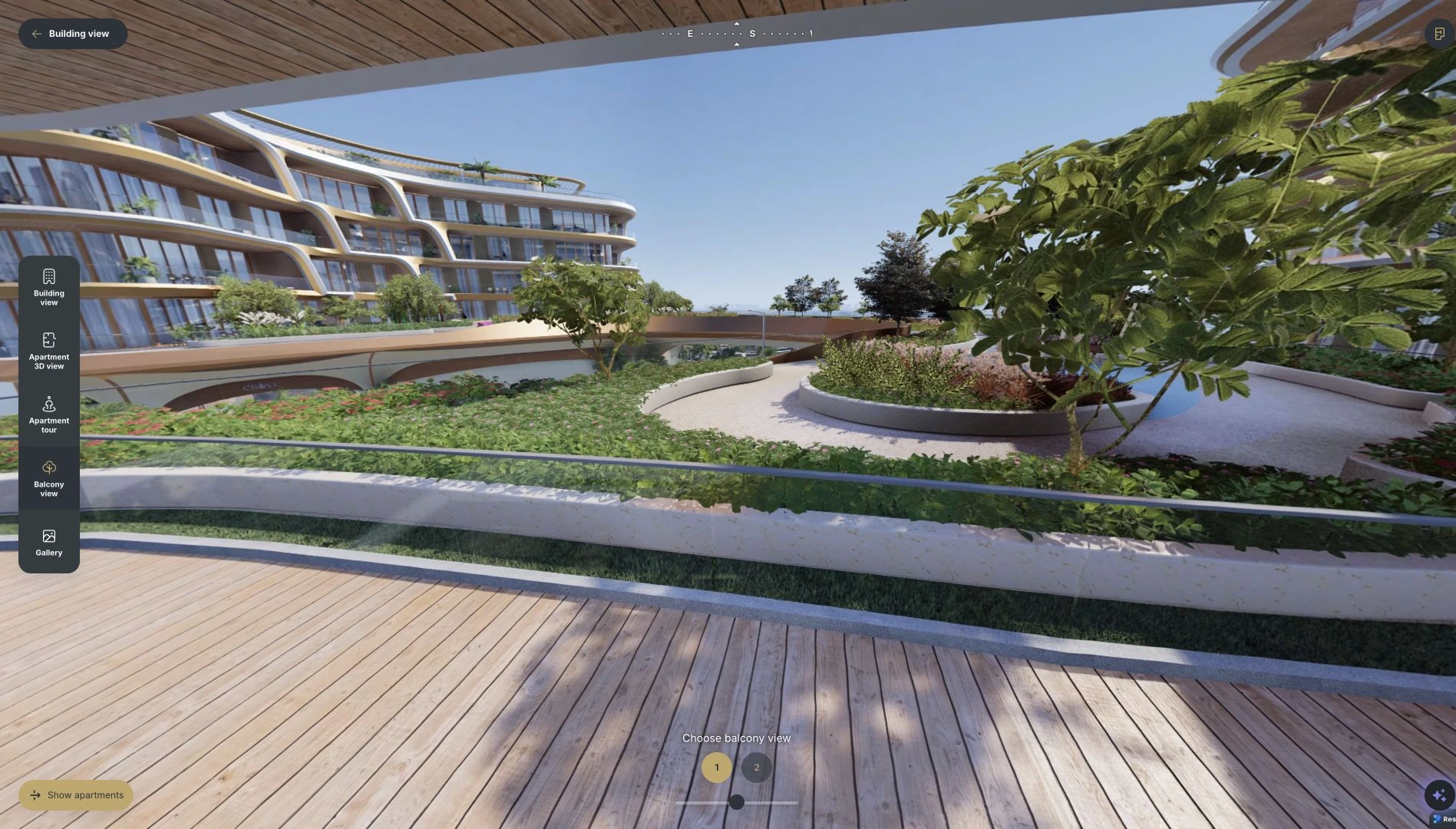
Orientation on screen at all times, so the buyer knows which side a balcony faces.
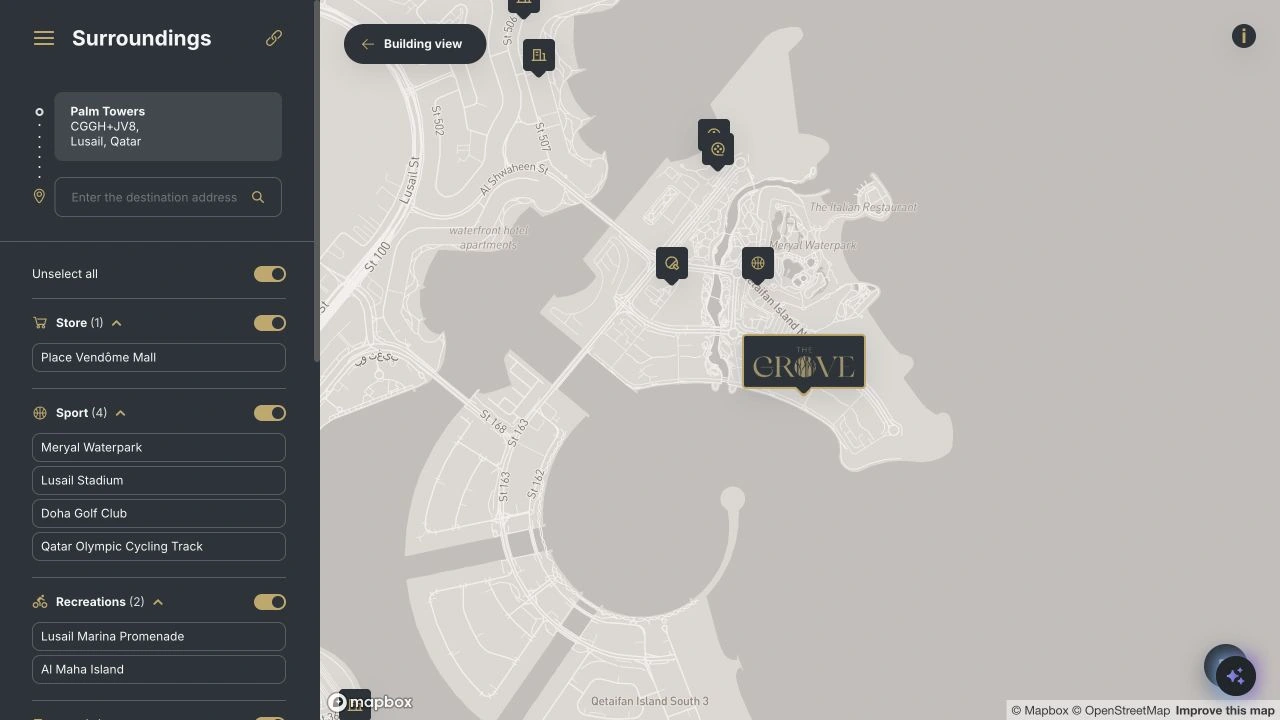
Map with points of interest
Schools, transport and shops on a 2D map, or on a 360° map of the whole area.
Route to the project
The drive from anywhere in the city, drawn on the map.
Exterior walkthrough in 360°
The grounds, the courtyards and the entrances, viewpoint to viewpoint.
Amenities
Active points on the site plan, each with its description and pictures.
Drone photos with the project in them
Your drone shots of the plot with the building rendered into them.
Apartments
Search on the building
The buyer picks a unit straight on the building.
Filters
Rooms, area, floor and price, narrowing the building down to the units that fit.
Plans of every unit
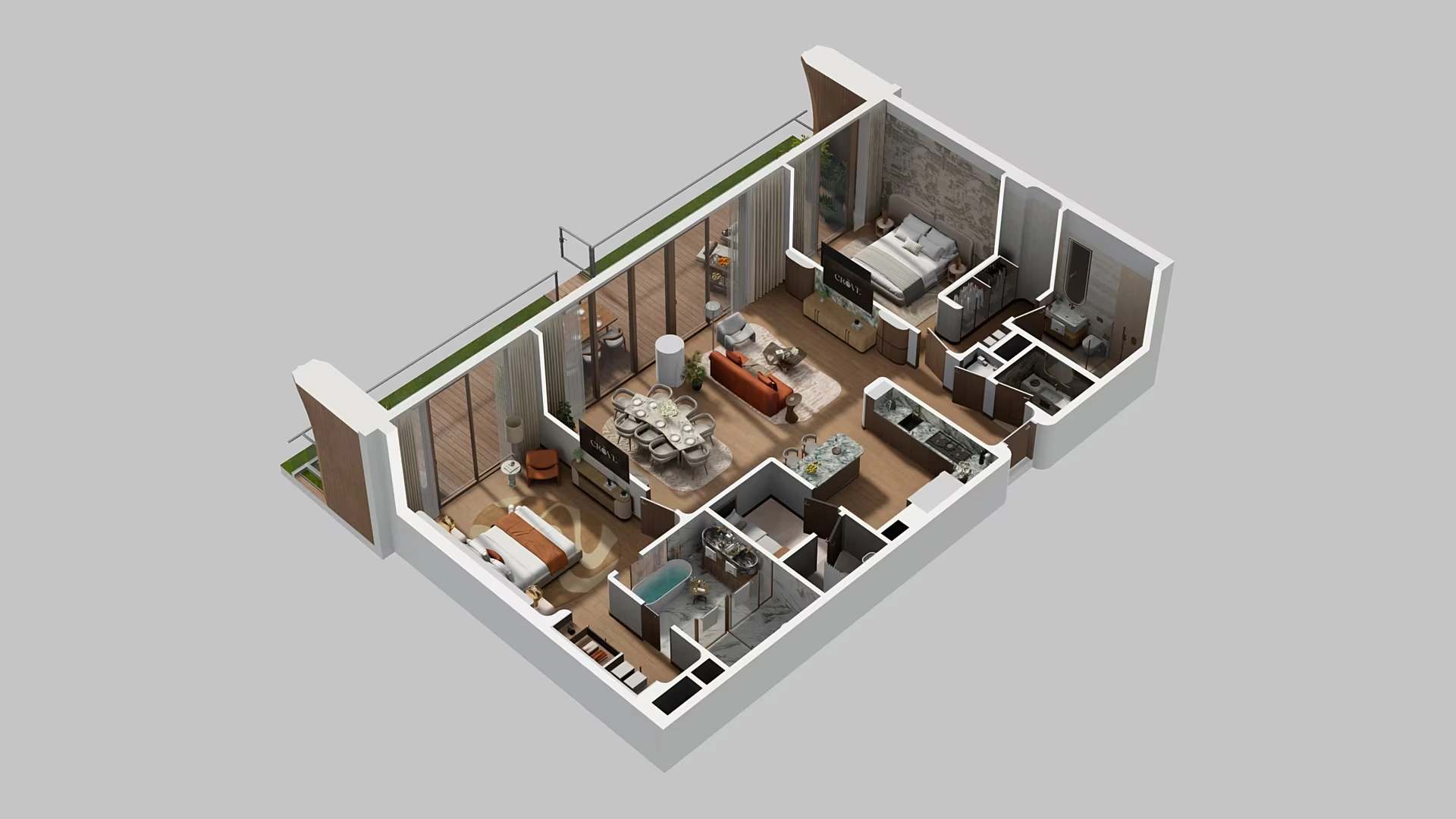
A 2D plan for each apartment, with a button to download it.
Saved apartments and comparison
The buyer keeps a shortlist and compares the units side by side.
View from the apartment
The outlook from the selected unit, one view for each side it faces.
Dollhouse
The apartment opened from above and rotated, room by room.
Layout shots
Five rendered shots of each layout, ready for your listings and brochures.
360° walkthroughs
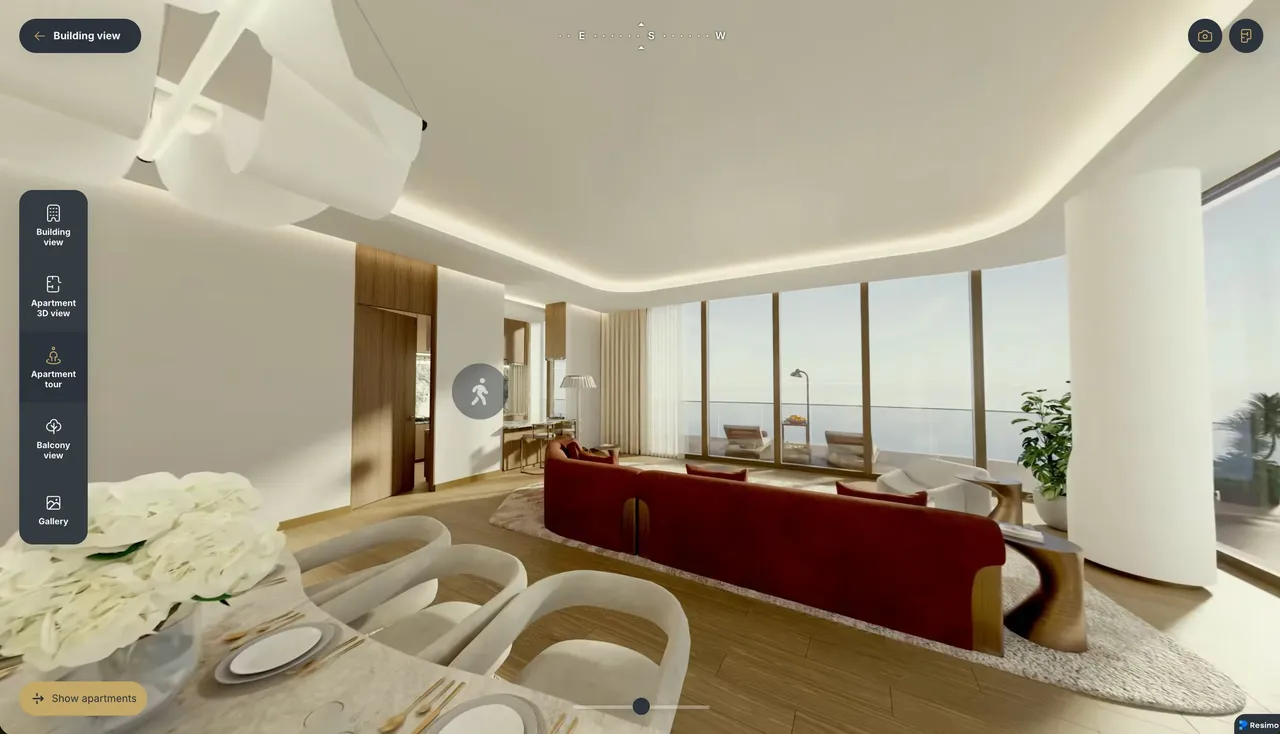
The apartment in 360°, opened from its card.
Views outside the windows
In the walkthrough, every window shows the real view outside, from the floor the apartment is on.
Measuring tape
The buyer measures a wall or a room in the walkthrough, so the question of whether their furniture fits gets answered on the spot.
Search by floor
The floor plate seen from above, with each apartment marked on it.
Style switching
A second finish, switched with one tap across every module.
VR mode
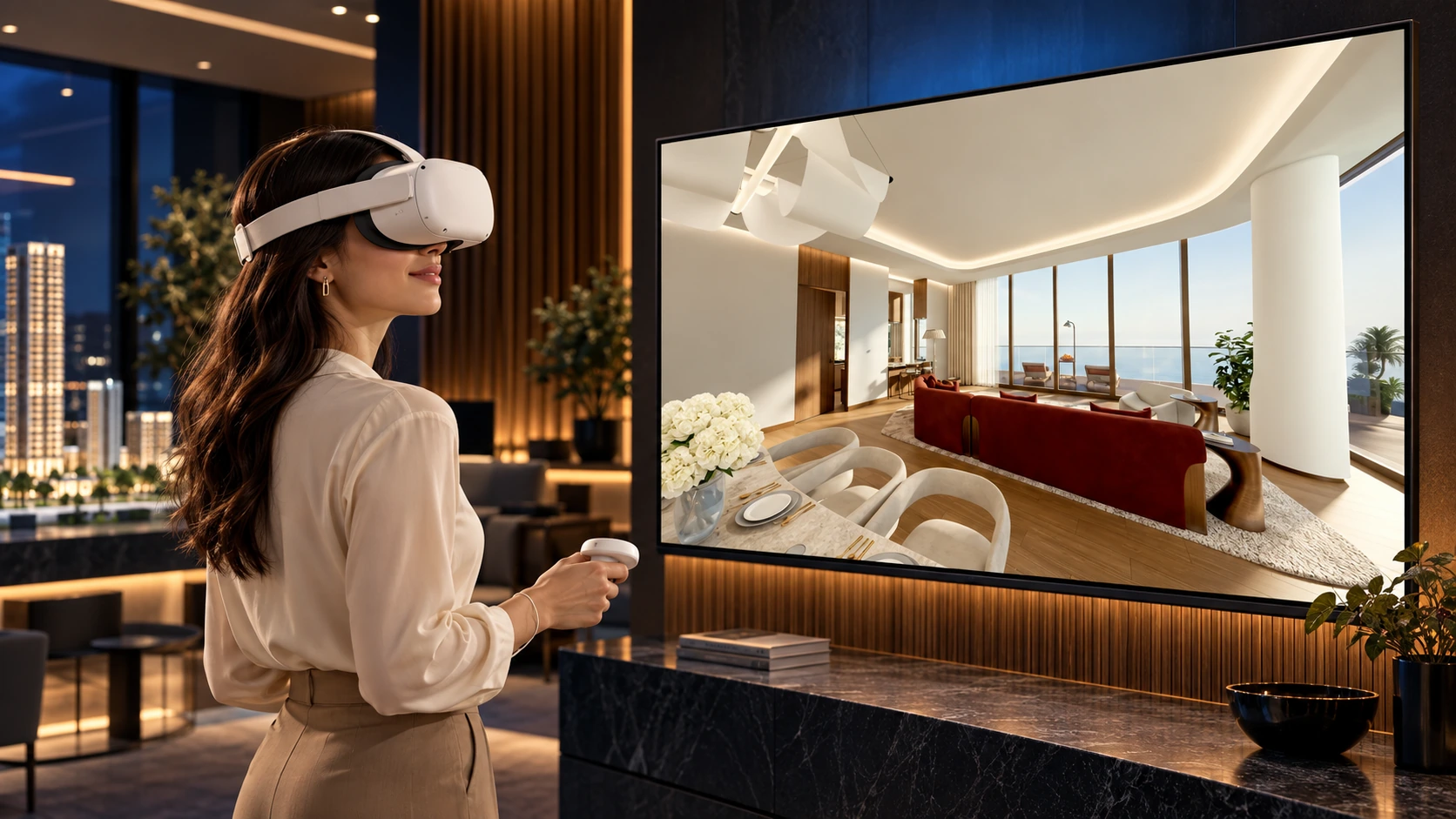
The same 360° scenes in a headset, straight from the browser.
Sales and leads
Inquiry from the apartment
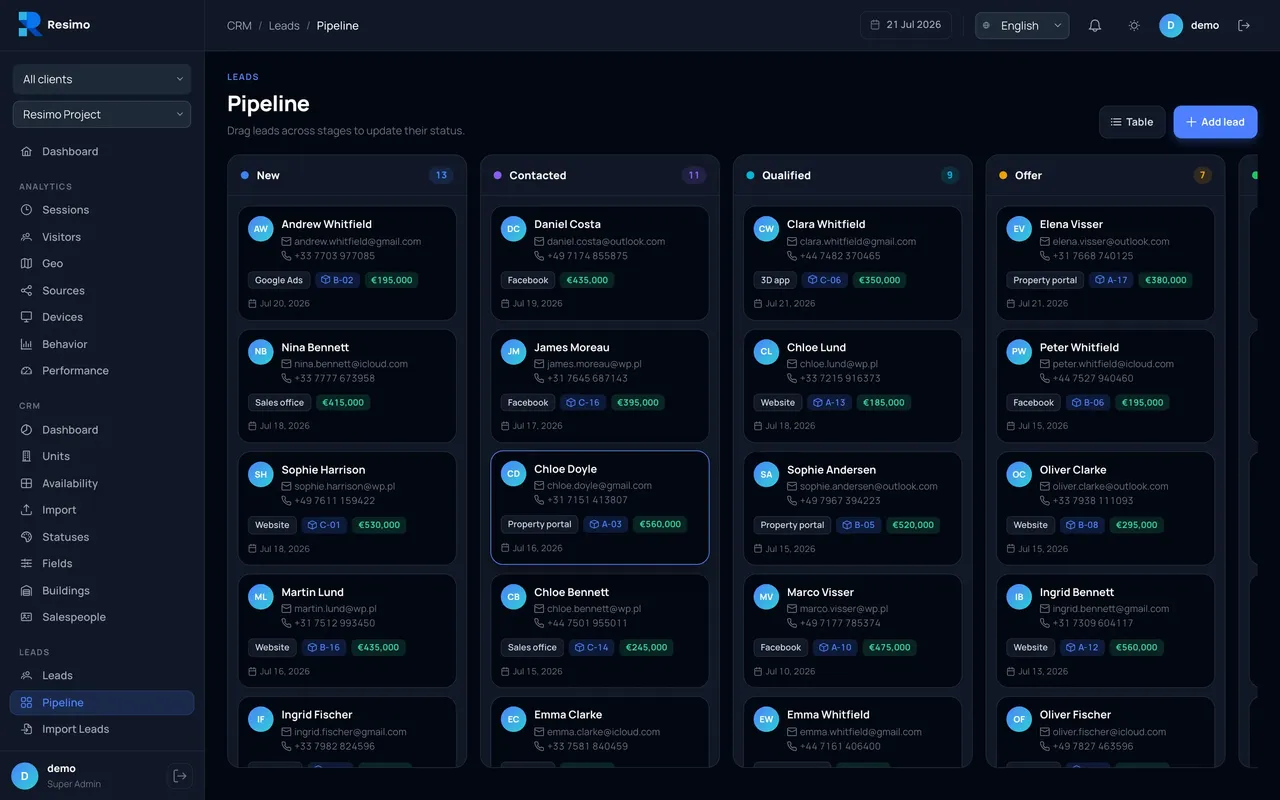
The buyer asks about a unit from its card, and your team knows which one it is about.
Links to a unit
Your rep sends a link that opens straight on the apartment they discussed.
Prices and discounts
Prices shown on the apartment, and discounts where you run them.
Gallery
Renders, photos and films of the project in one place.
Reservation handoff
A request lands in your CRM with the unit attached, where your CRM has an API.
Campaign tracking
Lead events and an agreed set of events reach your analytics through the embed.
Set-up
One snippet
Embedded in your existing site as one iframe, independent of your CMS.
All your projects in one place
One application carries every development you sell, with one search across all of them.
Your server, your domain
The application can run on your own server, quoted separately, and under your own domain.
Language versions
The same application in the languages your market buys in.
Compare
Web, Touch or Light?
| Product | Resimo Touch | Resimo Web | Resimo Light |
|---|---|---|---|
| Where it runs | A touch screen in your sales office, on its own computer | Your website, a tablet, a laptop and the office screen | Your website and any phone |
| What the buyer does | Fully interactive, with complete freedom of movement | Turns the building and opens every apartment | Picks a floor from above and zooms in on a unit |
| Graphics | Real-time, on a game engine | Beautiful animations, tuned for the web | Pre-rendered static shots |
| Delivery time | 8+ weeks | 6+ weeks | 4+ weeks |
| Budget | $$$ | $$ | $ |
| Hardware to buy | A touch station or a totem, supplied and installed by us | None. The screen you already have, or a tablet | None. Any phone or screen |
| Best for | Flagship and competitive projects, the sales office, fairs | Most projects. Our default recommendation | An early start and a settled design |
| Explore | Resimo Touch | Resimo Web | Resimo Light |
Made to fit
Fitted to how you sell
Your data, your brand and your languages, in one application.
- Units live from your CRM, or from a spreadsheet
- Your logotype colours
- The modules your project needs, from 360° walkthroughs to the VR mode
- Every language your market buys in
Security
Hosting and security
The application runs in our cloud by default. It can also run on your own server, quoted separately, and under your own domain. Data is encrypted in transit and at rest, access is role-based and the databases are backed up daily. Our security document is shared on request, under NDA, so your IT team can review it before you sign.
Projects
Built for property developers who launch more than once
92% of our work comes from developers who had already worked with us.
Miami Edgewater, United States
HQ Residences
Black Salmon
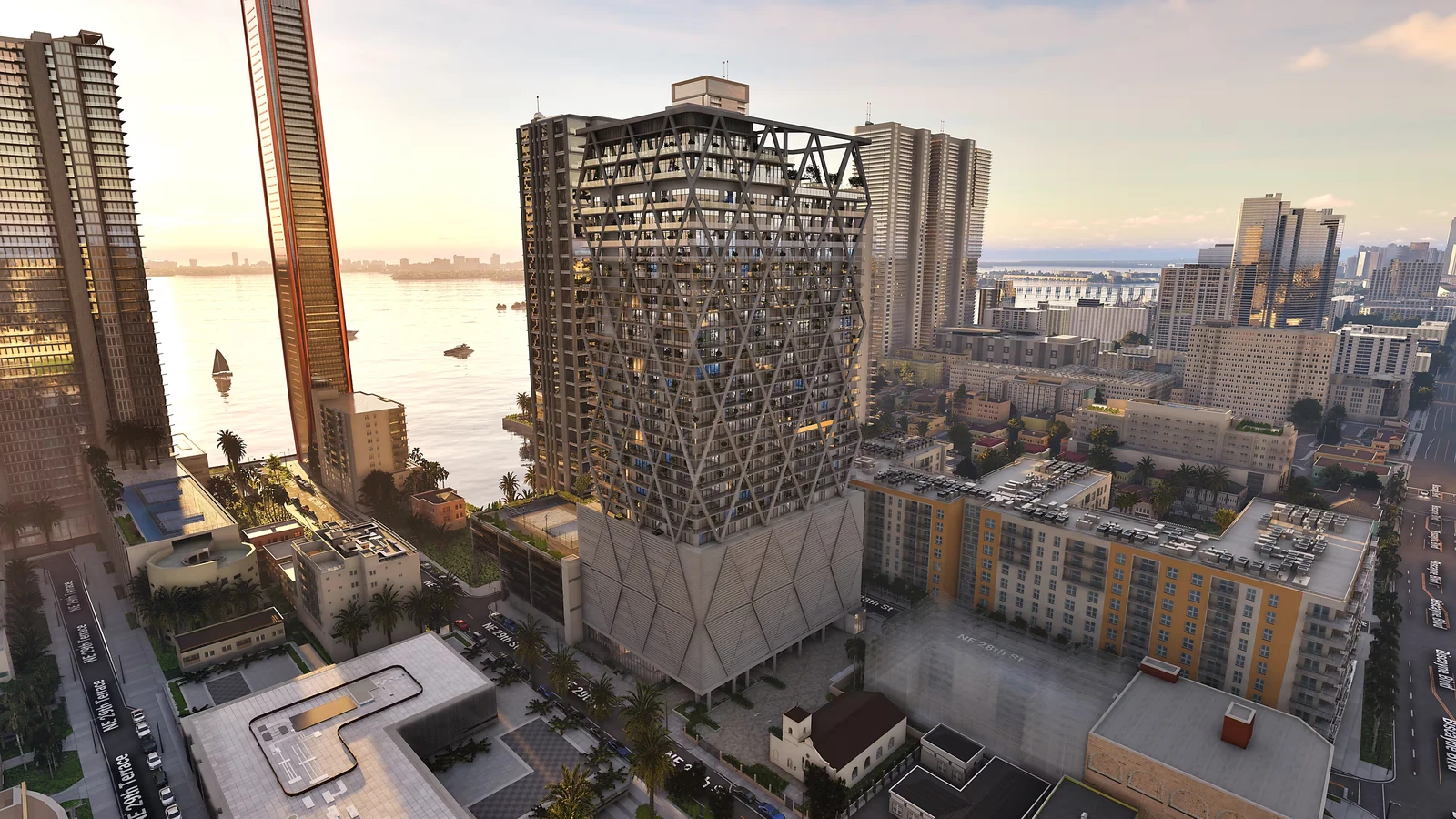
Explore the tower in its Miami setting, then point to an apartment to see its plan, floor, area and asking price.
Explore the project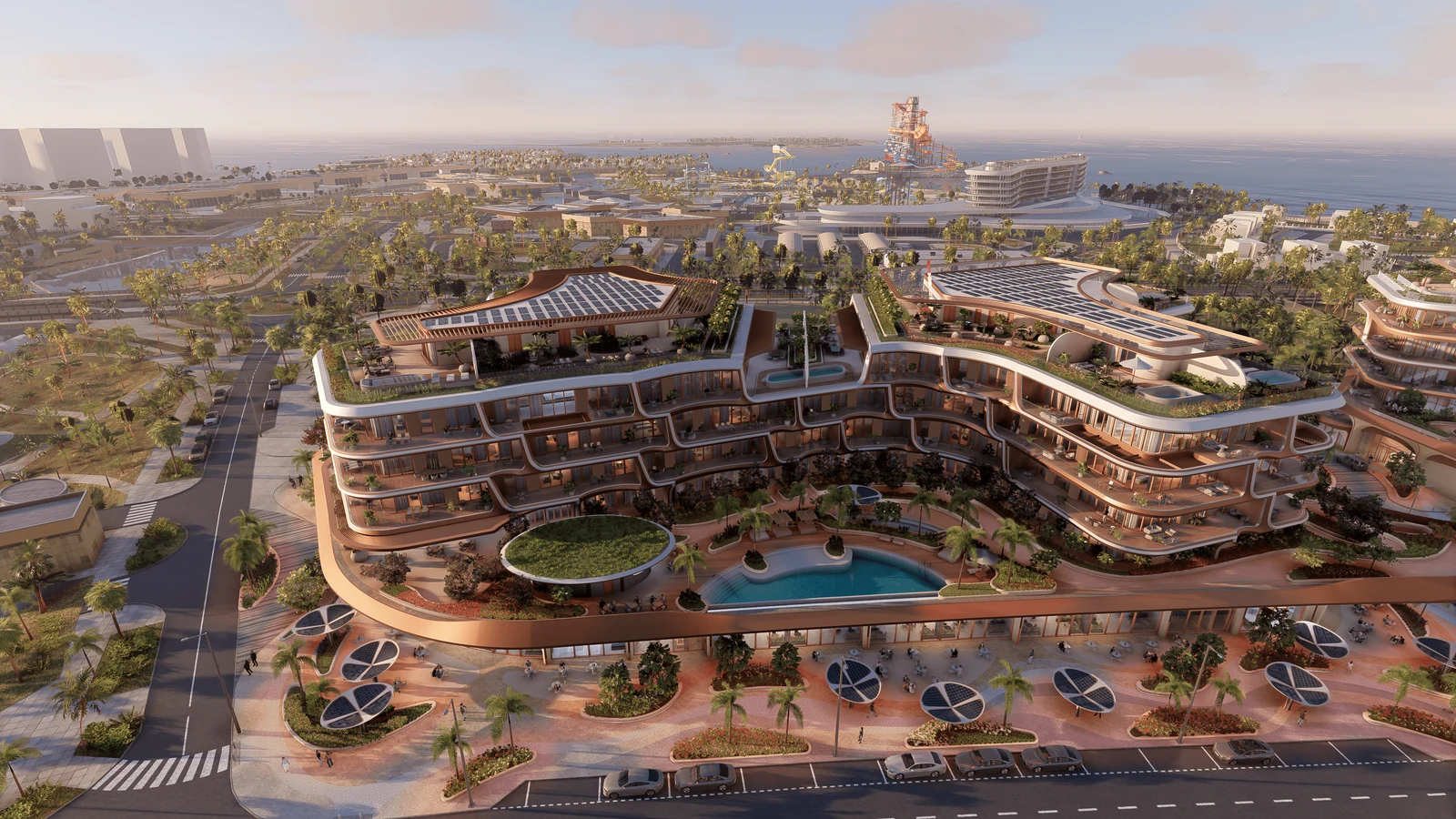
Qatar
The Grove by JMJ
JMJ
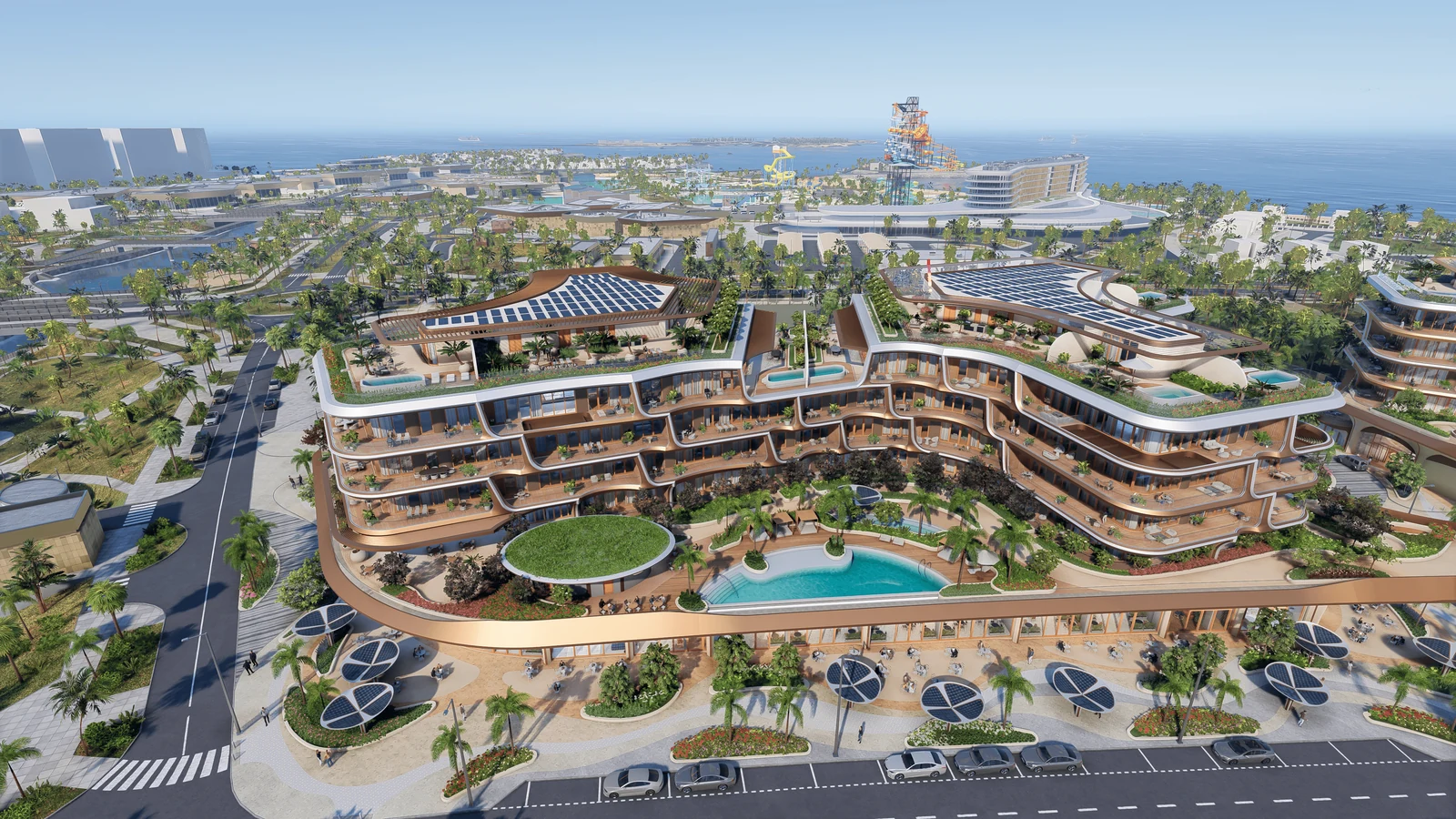
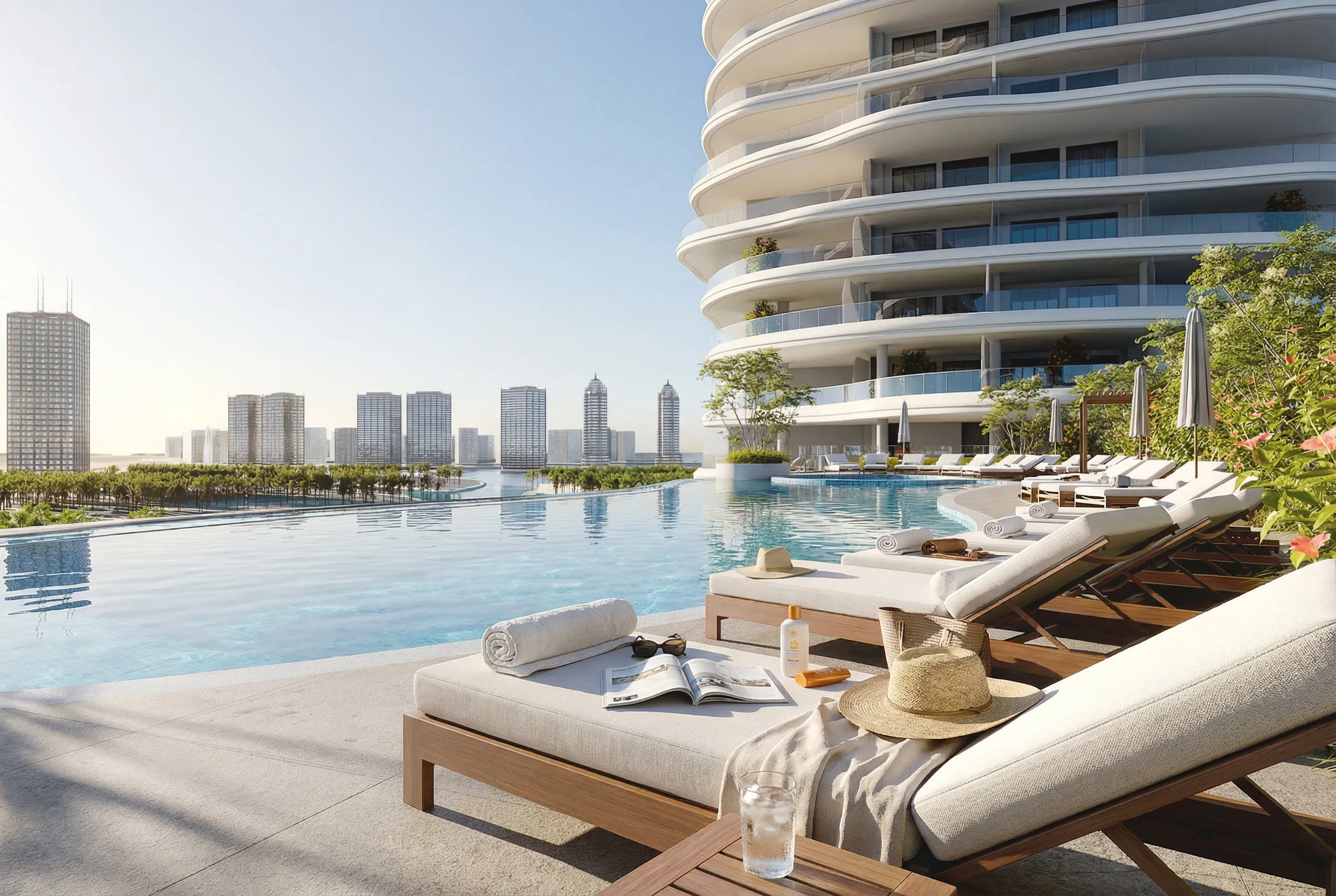
The curved terraces, pool and planted courtyards form one scene, with daylight and sunset views of the same development.
Explore the project
Bouygues Immobilier
Applications from Resimo realistically increase the conversion of leads sales, supports analytics, and sets new standards for customer service.
Process
From your drawings to your website
6+ weeks for a standard project. A fast track below 4 weeks is possible on some projects, quoted and confirmed per project.
Step 1
You send materials
- The architect's 2D plans and the apartment layouts
- The location and access to your unit database
- One email and one access grant
Step 2
We build from the outside in
- Surroundings and masterplan first
- Then the buildings, then every apartment
- A change to your plans mid-way keeps the work already done
Step 3
You review at every stage
- A milestone for the surroundings, the buildings and the units
- Your comments go in before the next stage starts
- Nothing reaches your website unseen
Step 4
We launch on your site
- One snippet handed to your web team and checked on your site
- Onboarding for your sales office
- A warranty of 3 years on the application
FAQ
Questions about Resimo Web
Does it work on our website?
Yes. It embeds as one snippet into your existing site, whatever CMS you use, and buyers browse units without leaving your page.
Which devices does it run on?
Any current browser on a phone, a tablet, a laptop or a touch screen. There is nothing to install.
Can buyers reserve a unit in the application?
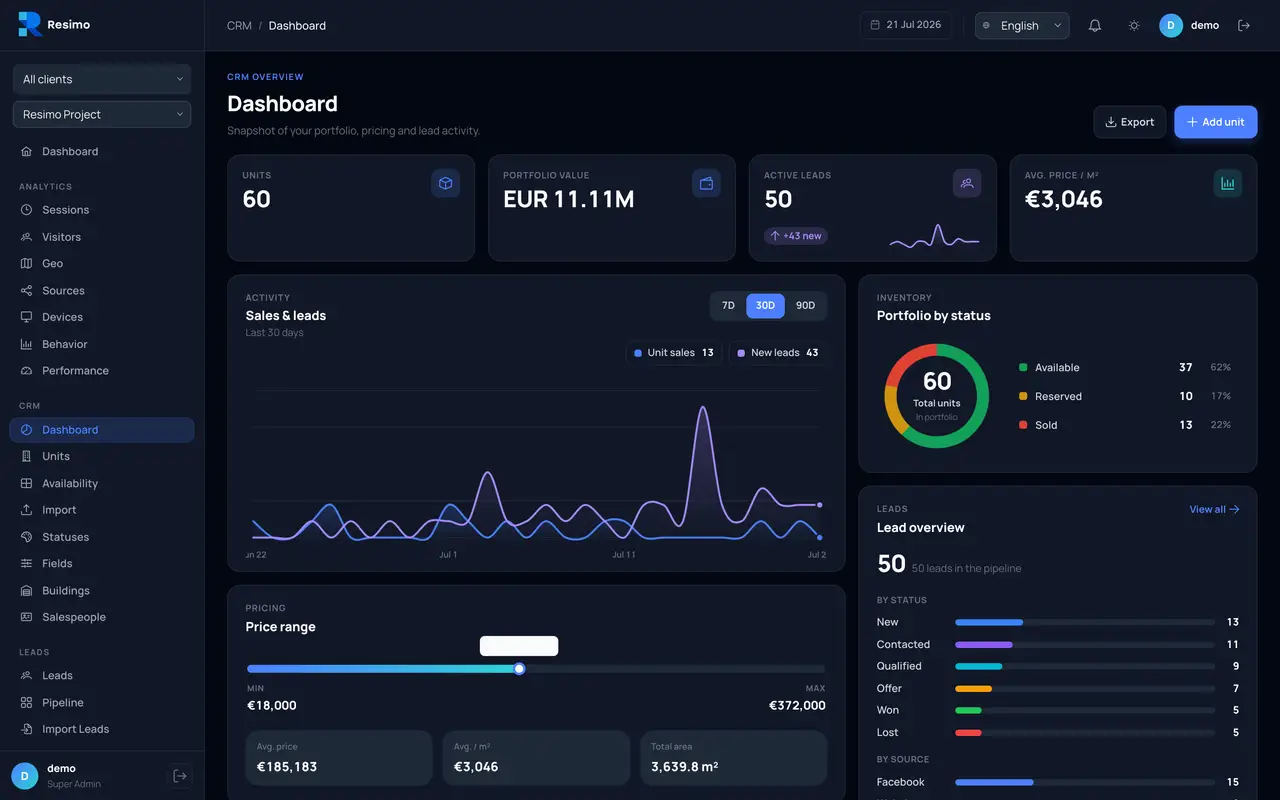
Where your CRM exposes an API, a reservation request lands in your sales process with the unit attached. With our CRM and analytics panel the path from browsing to a reserved unit runs end to end.
Can we see what a visitor looked at?
Yes, with the CRM and analytics panel, which shows a timeline of each session with the apartments opened and the time spent on each.
Still have questions?
Ask us anything else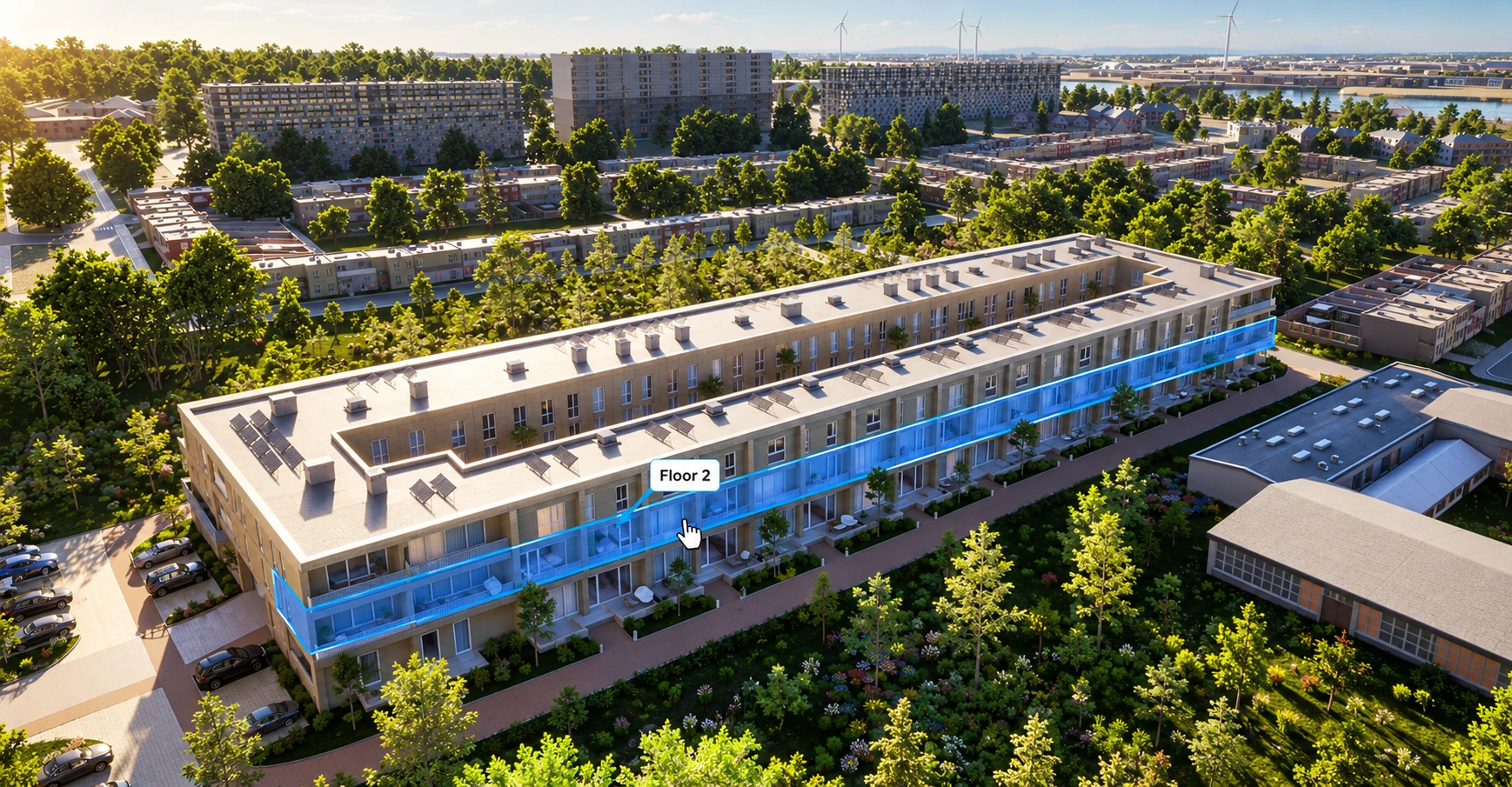
See it live
See your development in the browser
A 20-minute call. You show us a project, we show you the application your buyers would use.