Blog
How to choose between Touch, Web and Light.
Three applications built from one 3D model, for three different jobs. How to pick the right one for your development, and how to know when you need two.
- Category
- Choosing a product
- Reading time
- Seven minutes
- Written by
- The Resimo team
The short answer
For most developments we recommend starting with Resimo Web. It runs on your website, on a tablet in the sales office and on any screen you already have, and it answers the questions that hold a sale back. Add Resimo Touch when the sales office itself has to win the visit. Choose Resimo Light when the design is settled and the launch date is close.
The rest of this article explains why, and what to look at in your own project before you decide.
One model behind all three
All three applications are built from the same 3D model of your development: the building, its surroundings and every apartment in it. That matters for the decision in two ways. You do not pay for the model twice when you add a second application later. And whatever you choose first, the work carries over when the project grows.
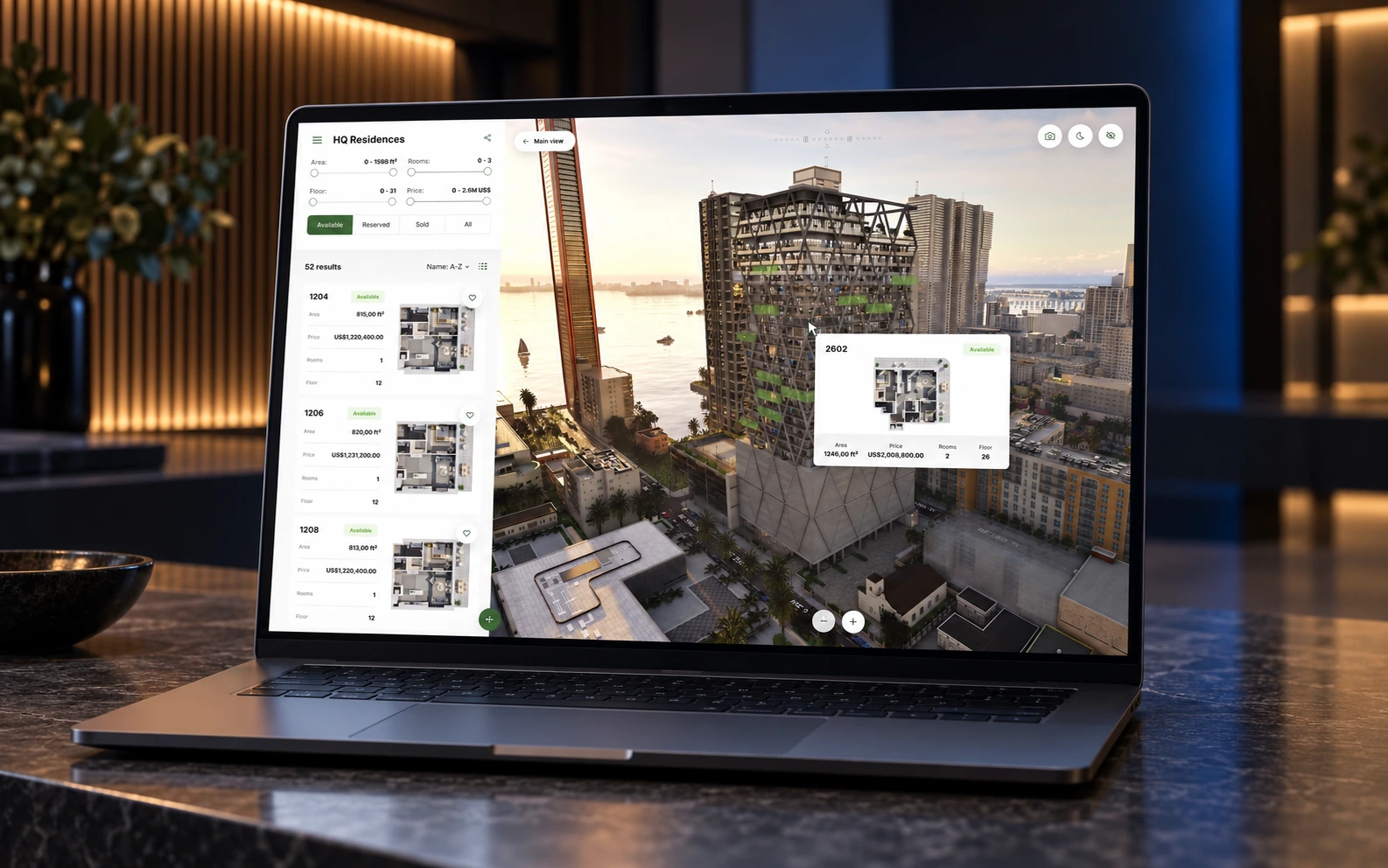
What changes between the three is how a buyer moves through that model, where the application runs and what it needs around it.
Resimo Touch, the visit buyers remember
Resimo Touch runs on a touch station or a totem in your sales office, on its own computer. The buyer moves freely around the building and into any apartment, with the light, the water, the people and the traffic of a real place around it.
Touch is the application for a visit: the buyer who came to the office sees something they could not see online or at another developer.
Touch needs dedicated hardware. We select it, deliver it, install it and keep remote access to it, and it carries the manufacturer's warranty, usually about 2 years. Touch does not run on a tablet or a phone.
- Choose it for a flagship development, a competitive market or a sales office that has to stand out
- Plan 8+ weeks for a standard project
- Budget: the largest of the three
Resimo Web, the answer wherever the buyer is
Resimo Web runs in any current browser: embedded on your website, on the tablet your rep carries, on a laptop and on the screen in your sales office. The buyer turns the building around, filters apartments by floor, size and price, opens a unit in 3D and walks through it, with the real view outside the windows.
Because it runs everywhere, it does the job that decides most sales: it answers the buyer at the moment they ask. A doubt about the view or the layout at eleven at night is a doubt Web can settle before the buyer loses interest.
- Choose it for most projects, and as the first application for any project
- Plan 6+ weeks for a standard project
- Budget: the middle of the three, with no station to buy
Resimo Light, launch first and upgrade later
Resimo Light is a lighter web application built from pre-rendered shots. The buyer picks a floor from above and zooms into a unit. There is no free movement, and every picture is prepared in advance, which is what makes Light the fastest to produce.
That same preparation is its limit. A change to the building means rendering the shots again, so Light suits a development whose design is settled. When the project grows, Light moves up to Web or Touch on the same model.
- Choose it for a settled design and a close launch date
- Plan 4+ weeks for a standard project
- Budget: the smallest of the three
Delivery time, side by side
Standard project, from plans to launch
Three myths we hear on calls
MythTouch is the premium version of Web.
TruthThey do different jobs. Web answers the buyer wherever they are, Touch makes the visit to the office worth it. Most projects need Web first.
MythA 3D application needs a finished design.
TruthTouch and Web are built from the outside in, so a change to the plans keeps the work already done. Light is the exception, because its pictures are rendered in advance.
MythWeb needs a powerful computer.
TruthWeb runs in any current browser on a phone, a tablet or a laptop. Only Touch needs its own station.
Five questions to ask about your project
- Where do your buyers meet the development first? If most find it online, or live in another city or country, the first application has to run on the web. If they come to a sales office you want to make a destination, Touch earns its place there.
- How settled is the design? A design that still changes favours Web or Touch, because a change goes into the model and every screen shows it. Light is at its best when nothing is left to change.
- When does the sale start? The delivery times above grow with the size of the project. If the launch date is close, start with what has to be ready on day one and add the rest in phases.
- Will you take it to events? A touch station travels to a trade fair stand, and Resimo VR can join it for the showings you want remembered. Web works at an event too, on any screen at the stand.
- Who else needs to show it? Brokers and agents get Resimo Web as a link that opens on any device, which puts the same development in front of every buyer, whoever they talk to.
What the research says
Most published research on 3D tours measures finished homes on US listing sites. It does not tell you which application to choose, but it does say that buyers who can look around move faster.
- 130%more likely to book a viewing after a 3D tour, for buyers aged 18 to 34Source: NAR
- 9%higher price for listings with a 3D tourSource: MLS transaction study, four US markets
- 31%faster sale for listings with a 3D tourSource: MLS transaction study, four US markets
At a glance
| Feature | Resimo Touch | Resimo Web | Resimo Light |
|---|---|---|---|
| Where it runs | A station or totem in the sales office | Your website, a tablet, a laptop, the office screen | Your website and any phone |
| What the buyer does | Moves freely through the building and every apartment | Turns the building, filters units, walks through apartments | Picks a floor and zooms into a unit |
| Hardware | A dedicated station, supplied by us | Any screen with a browser | Any screen with a browser |
| Delivery time | 8+ weeks | 6+ weeks | 4+ weeks |
| Budget | $$$ | $$ | $ |
| Best for | The flagship sales office | Most projects, and every first application | A settled design with a close launch |
Thanks to this application we increased our income by half. We are planning to create another for other projects in Warsaw and Krakow.
When two is the right answer
Many developments end up with two applications: Web on the website and in the hands of brokers, Touch in the sales office. They share the model, the unit data and the interior styles, so the second one adds to the first. Availability comes from your CRM or a spreadsheet into both, so the office and the website always agree about what is sold.
For the questions this article leaves open, the FAQ has the answers on hardware, integrations and support. The residential use case shows what a sales office gets, and the project list shows where our applications run today.
What to have ready for the call
- The location of the development
- The number of buildings and apartments
- When sales start
- Whether you have a CRM, and which one
- Where buyers first meet the project: online, in the office or at fairs
Keep reading
Choosing a product
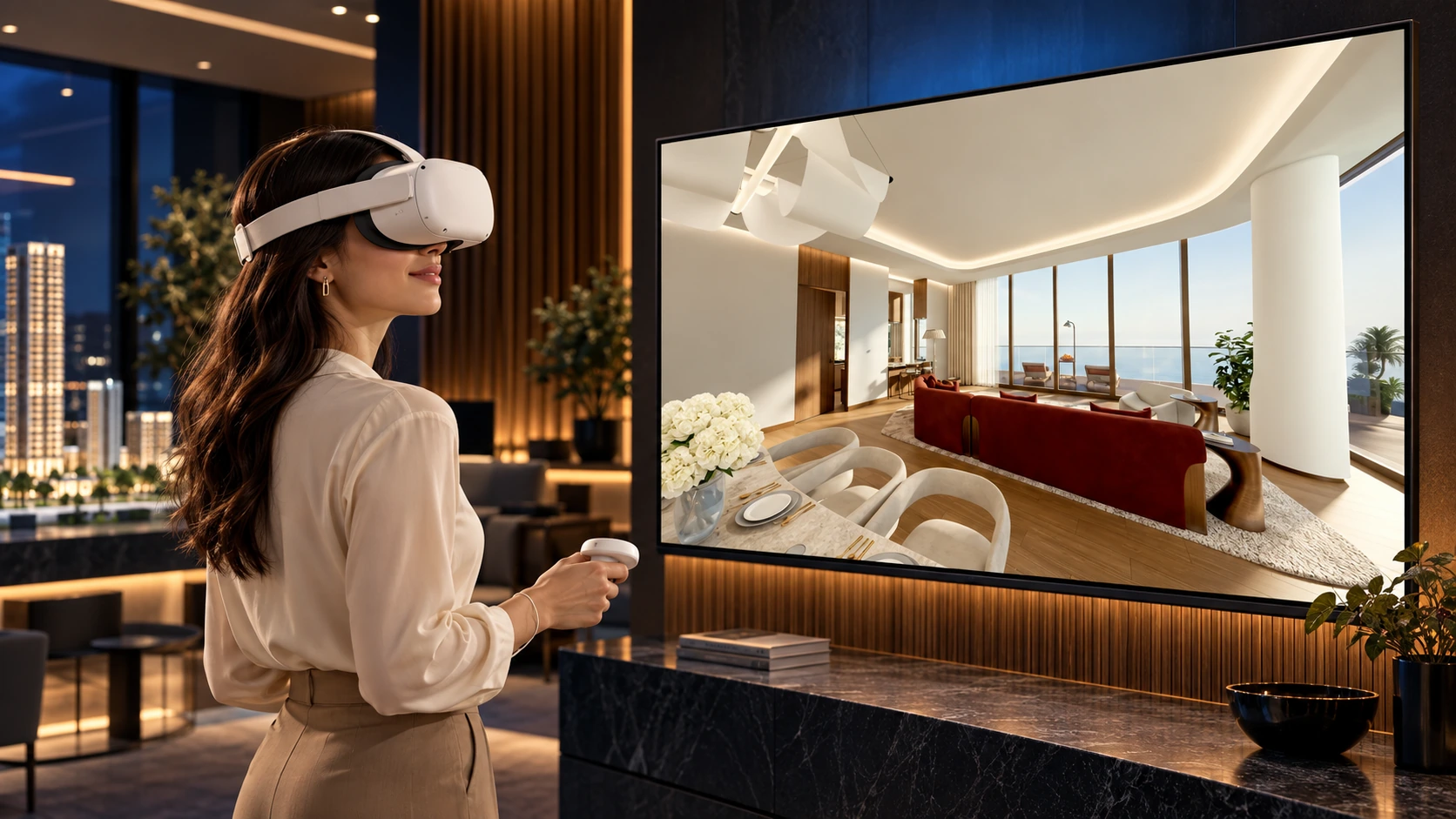
Where VR belongs in a sales office
Why we recommend headsets for fairs and memorable showings, and the touch screen for the conversation at the desk.
Coming soon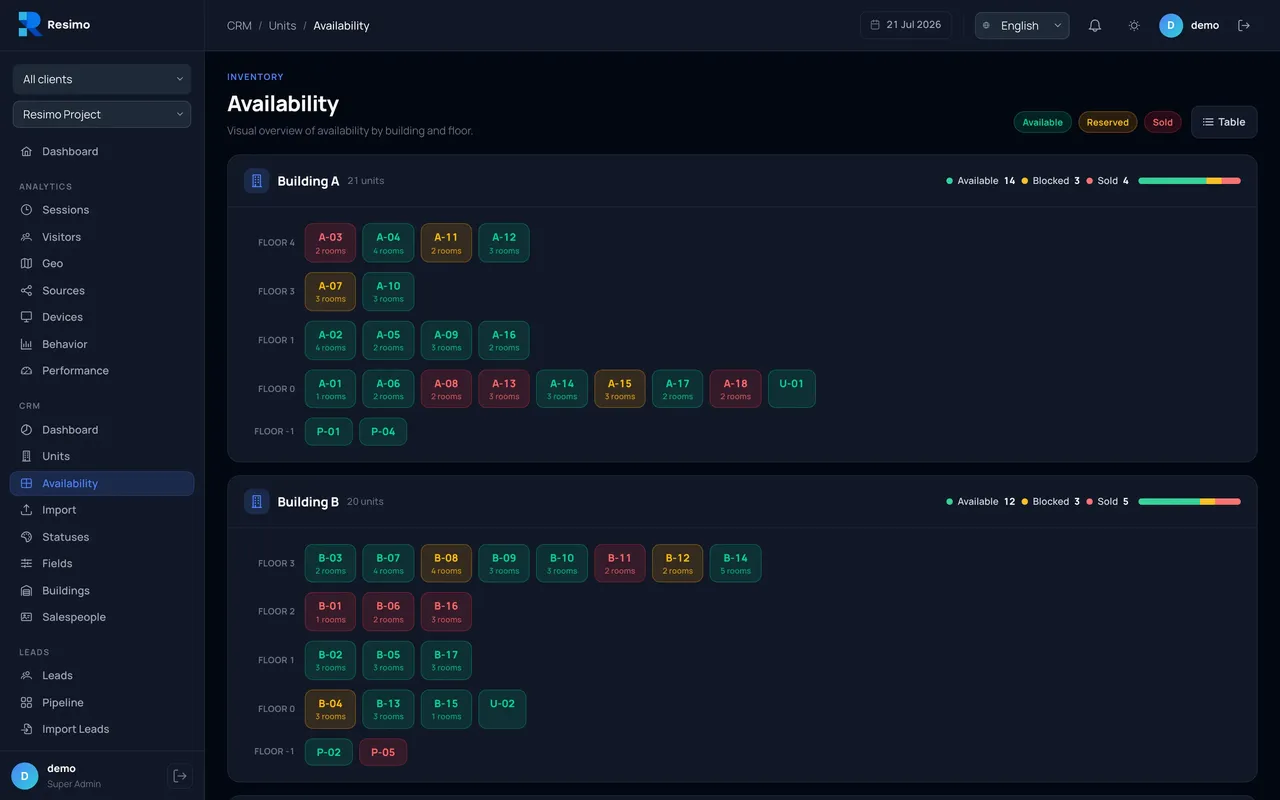
Data
Live availability: why the website must never show a sold unit
How statuses travel from your CRM to every screen, and what happens when there is no CRM.
Coming soon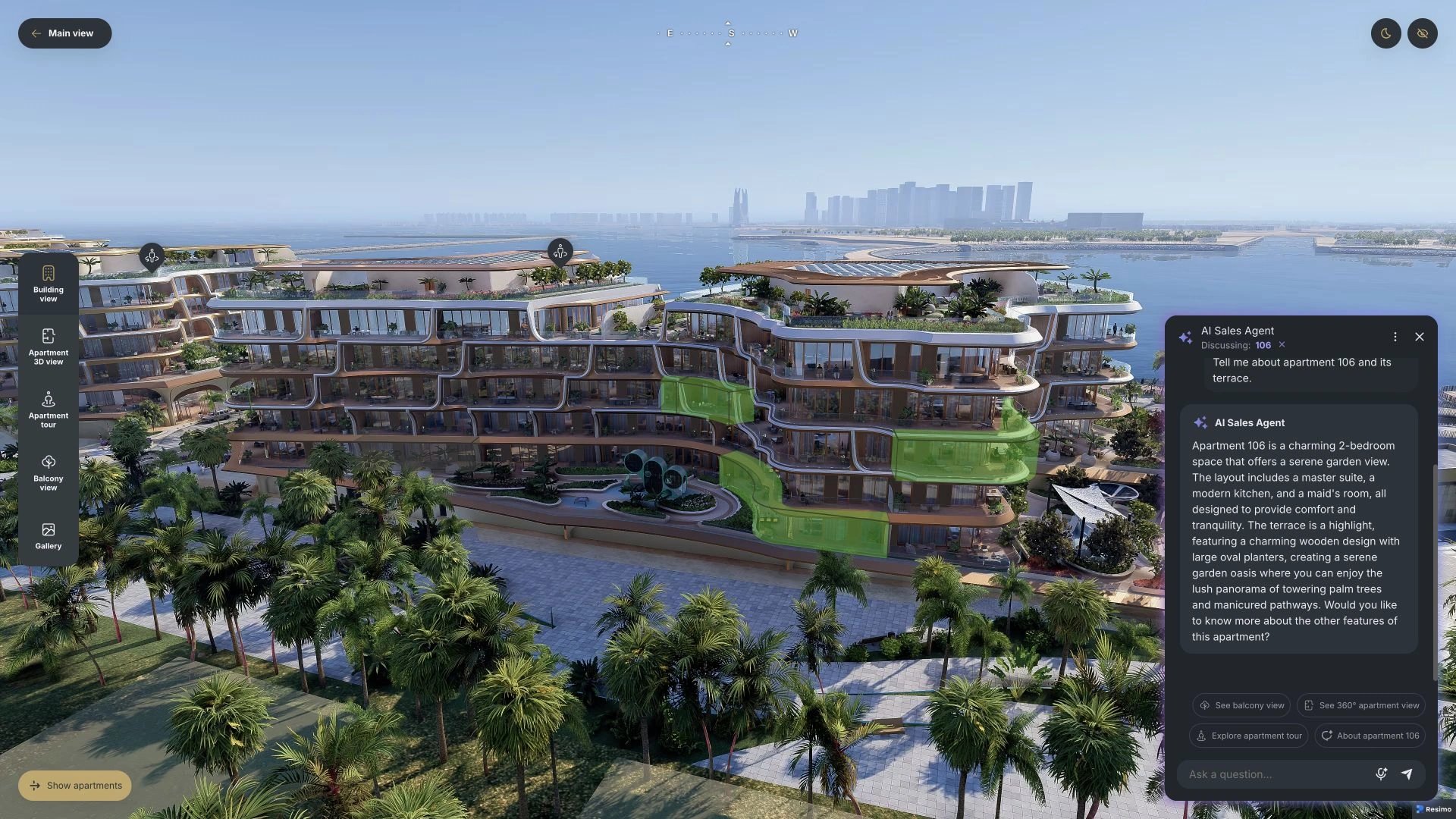
Sales office
Selling off plan to a buyer in another country
Currencies, square feet, broker links and an assistant that answers at night.
Coming soon
See it live
Which one fits your project?
Show us the project on a call of about 20 minutes and we tell you which application we would start with.