Knowledge base
Ready for the fair. Before you leave.
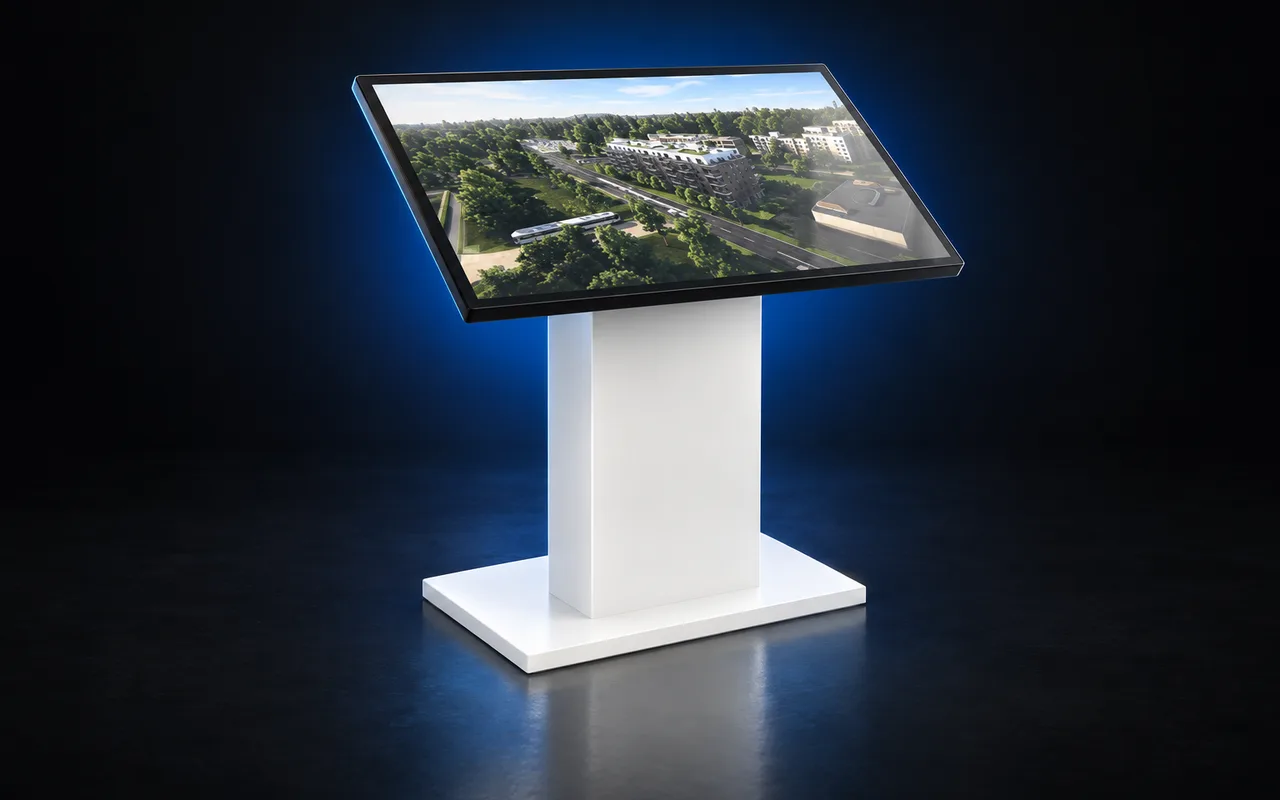
Prepare the actual computer and touch screen that will travel to the event. Ask your project manager to check the current application and unit data, then test the complete presentation before the equipment leaves your office.
- Applies to
- Installed Resimo sales office stations and event screens
- Who prepares it
- Your event team and your Resimo project manager
- Have ready
- Event dates, equipment details and the latest availability source
Tell your project manager what is travelling
Send the event dates, the equipment collection date and the name of the development you will present. Identify the exact computer and screen. A successful test on your office computer does not confirm that a different event computer has the right files or settings.
- Confirm which developments and languages your team needs at the stand.
- Describe the display arrangement: one touch screen, a mirrored presentation screen, or independently controlled stations.
- Confirm power, cabling and the internet connection available at the venue.
- Nominate the person who will set up the equipment and keep your project manager’s contact details available.
Update before the equipment leaves
Arrange an update and a check while the station is still in the office on a reliable connection. Your project manager can confirm the application version, the project content and the latest complete unit database. Leave time to correct an issue before collection instead of relying on the venue connection.
Ask the team handling the update to retain a backup of the last working project data. Do not delete or replace application folders yourself. If the transfer is incomplete or an update fails, contact your project manager before continuing.
Rehearse the buyer’s journey
Start the actual event station
Restart the computer and open the development. Check the correct project, language, screen resolution and touch response. A mouse can help isolate a touch-screen issue.
Explore the project
Rotate the building, use the filters and open an available apartment. Check its floor plan, area, price and status against the agreed source. Open the views, gallery and walkthroughs included in your application.
Check the sales handover
Test any share, enquiry or CRM workflow your team plans to use with your project manager. Confirm where an enquiry arrives; seeing a form on screen does not confirm delivery.
Check the event display arrangement
Connect the same screen and cables that will travel. Confirm that mirrored displays show the correct view and that each independently controlled station works on its own.
Plan for an unreliable venue connection
Ask your project manager which features of your particular installation work offline. A locally installed project can use downloaded content, but current availability, online forms and connected services may still need internet. Do not assume that a web application has the same offline behaviour as an installed station.
If offline operation is agreed, complete and verify the data download before disconnecting. The local unit list is then a snapshot: confirm current prices and reservation status before making an offer to a buyer. Pause unnecessary background synchronisation only as agreed with your IT team, then restore it after the event.
At the stand and after the event
Set up and run the rehearsal again before visitors arrive. If something fails, report the development, the affected computer, the symptom and the action that triggered it. Include a screenshot or a short video and say whether the station can still present the project.
After the event, reconnect on a reliable network and ask your project manager to check data synchronisation and any pending follow-up. Re-enable background services that your IT team paused. Keep notes about missing content or questions from buyers for the next presentation.
More help for your team
Browse practical guidance for the sales office, your website and the project panel.
See it live
We would love to hear from you
A twenty-minute call. You show us a project, we show you the application your buyers would use. No preparation needed on your side.